robbins944
Mitglieder
-
Benutzer seit
-
Letzter Besuch
-
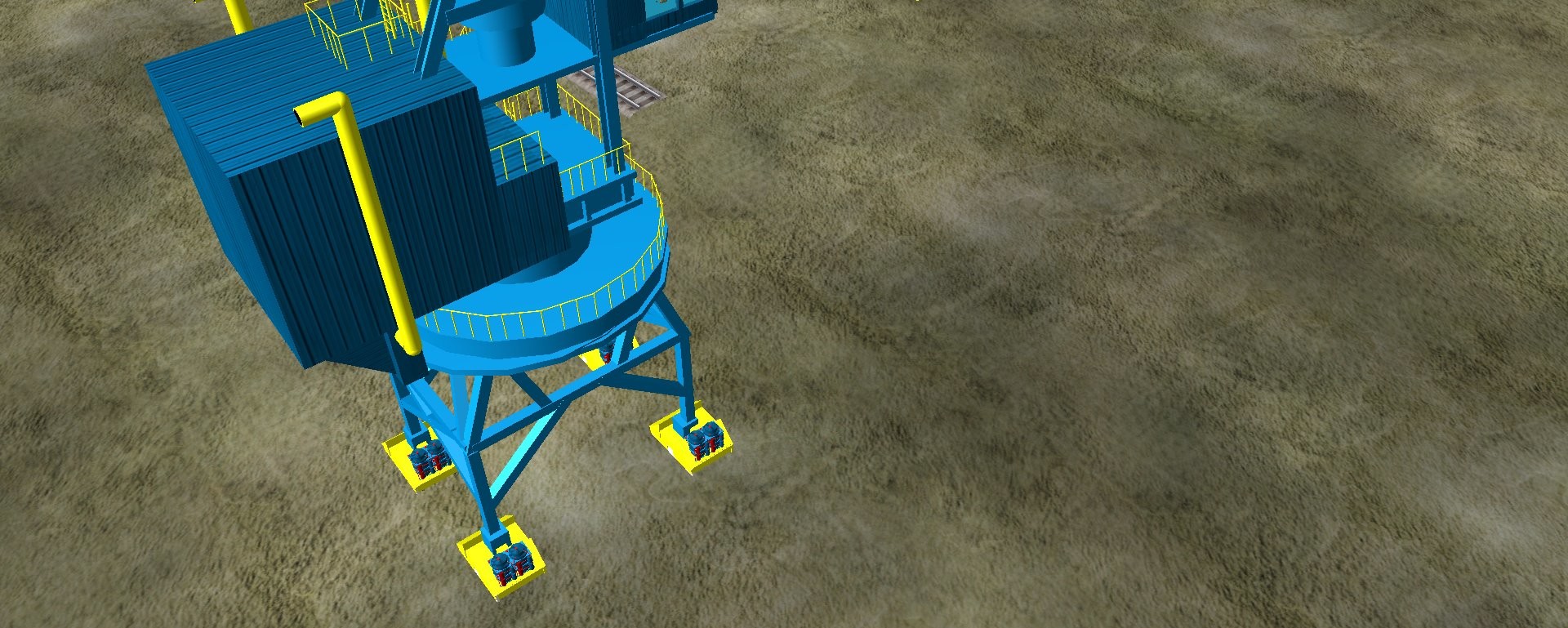
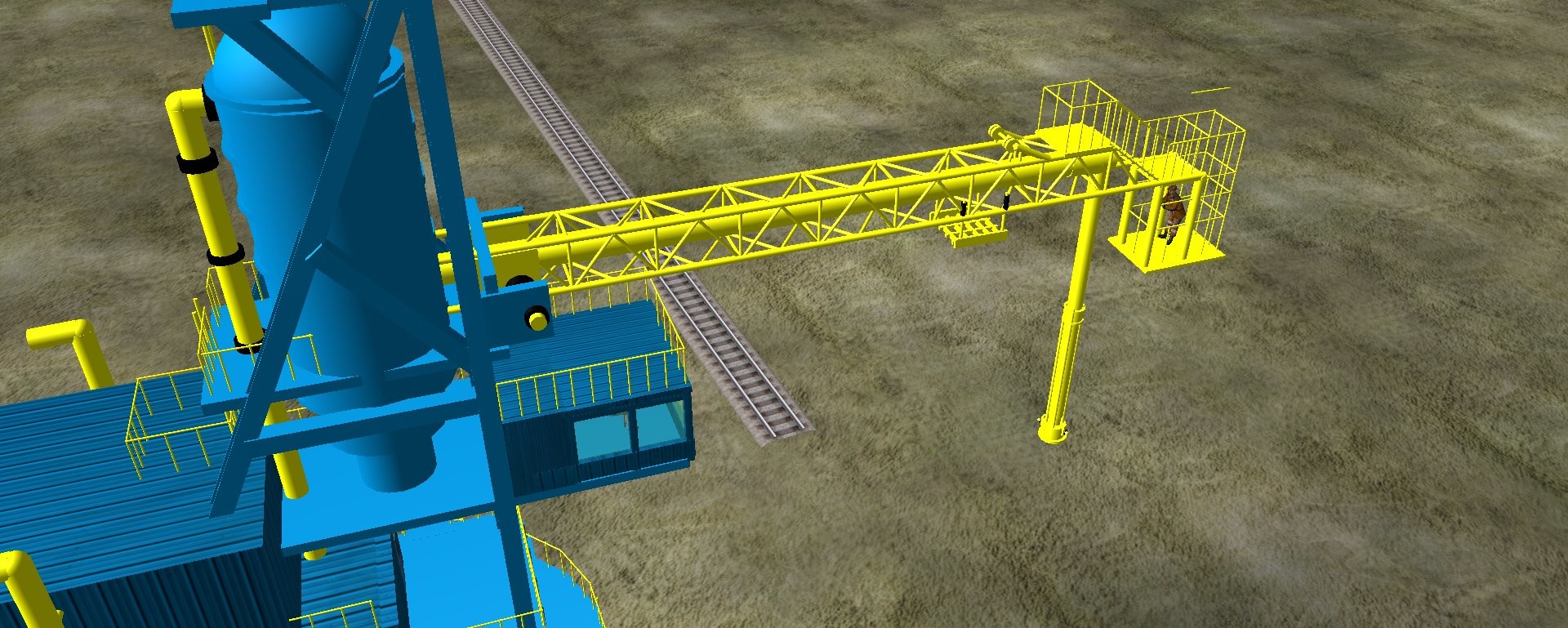
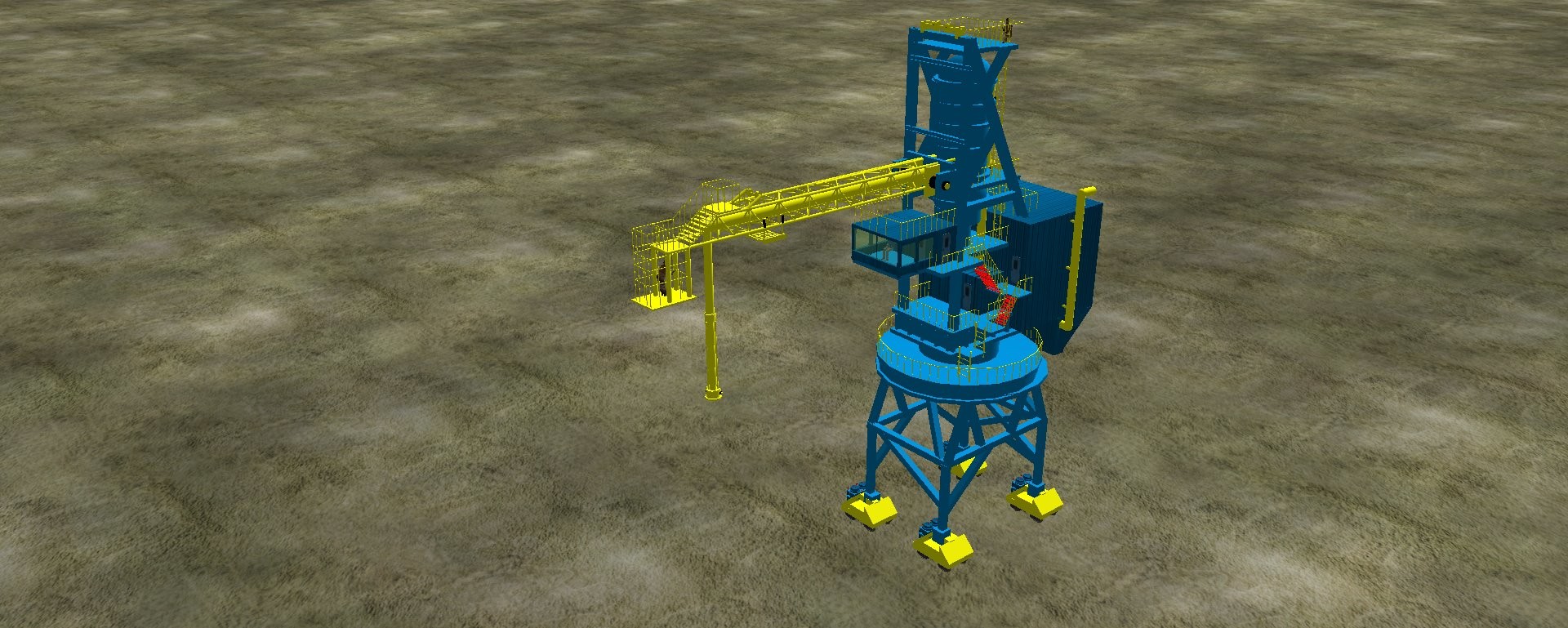
HI hubeRT, the suf was formerly managed by the port of blyth on behalf of the RIO tinto mining company to unload aluminium for use in the alcan smelter, I assume in the form of pellets,but , since the alcan closed I d o not know what they use it for . Close up it is one very large impressive piece of kit and there are some great pics on the Internet Best regards robbins
-
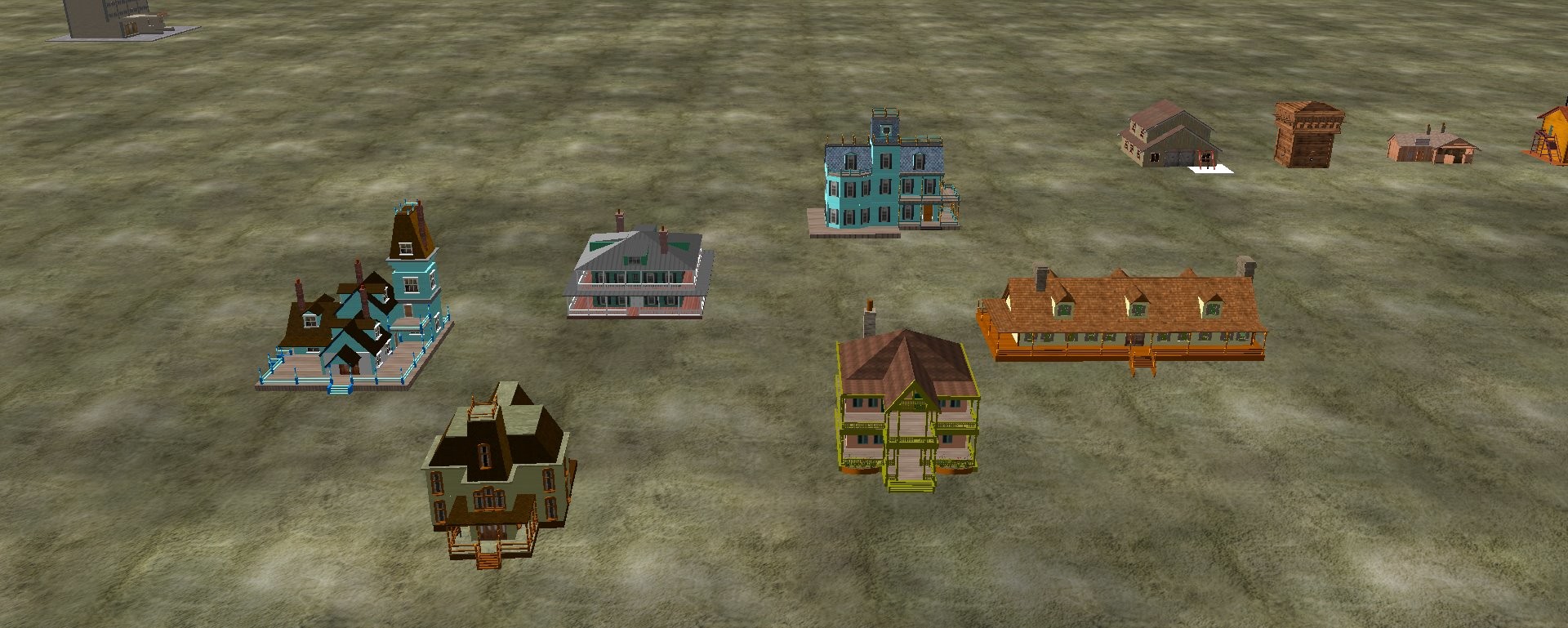
Hi all as suggested by porrey61 I have uploaded a a screenshot of few of the buildings that i have created. Opinions and suggestions would be gratefully received .
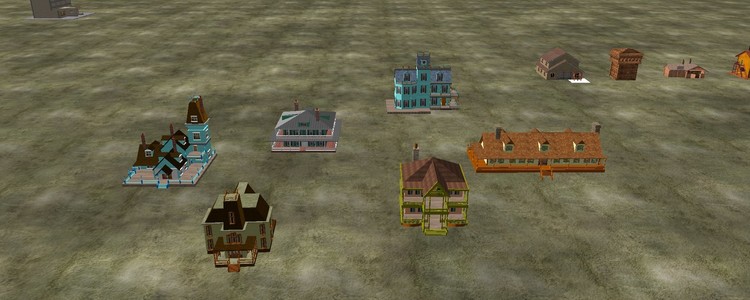 I have built a number of vintage american model houses using the primitive shapes within 3d train studio some of which I think are quite good. i would like to offer these models for other persons to use but i do not know how to upload these models , i would greatly appreciate any help you could give me too accomplish this task