r.berni05
Mitglieder
-
Benutzer seit
-
Letzter Besuch
-
here it is
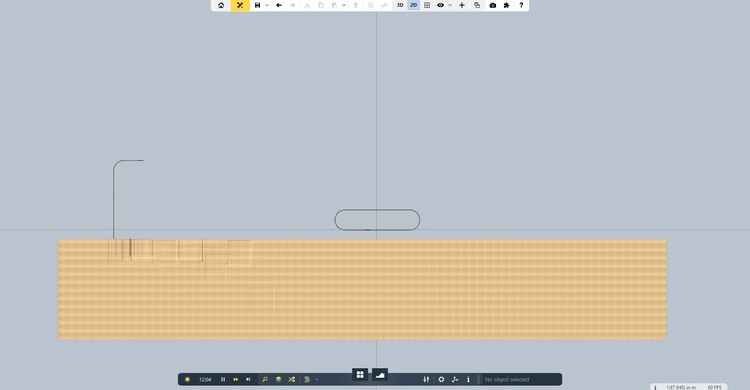
-
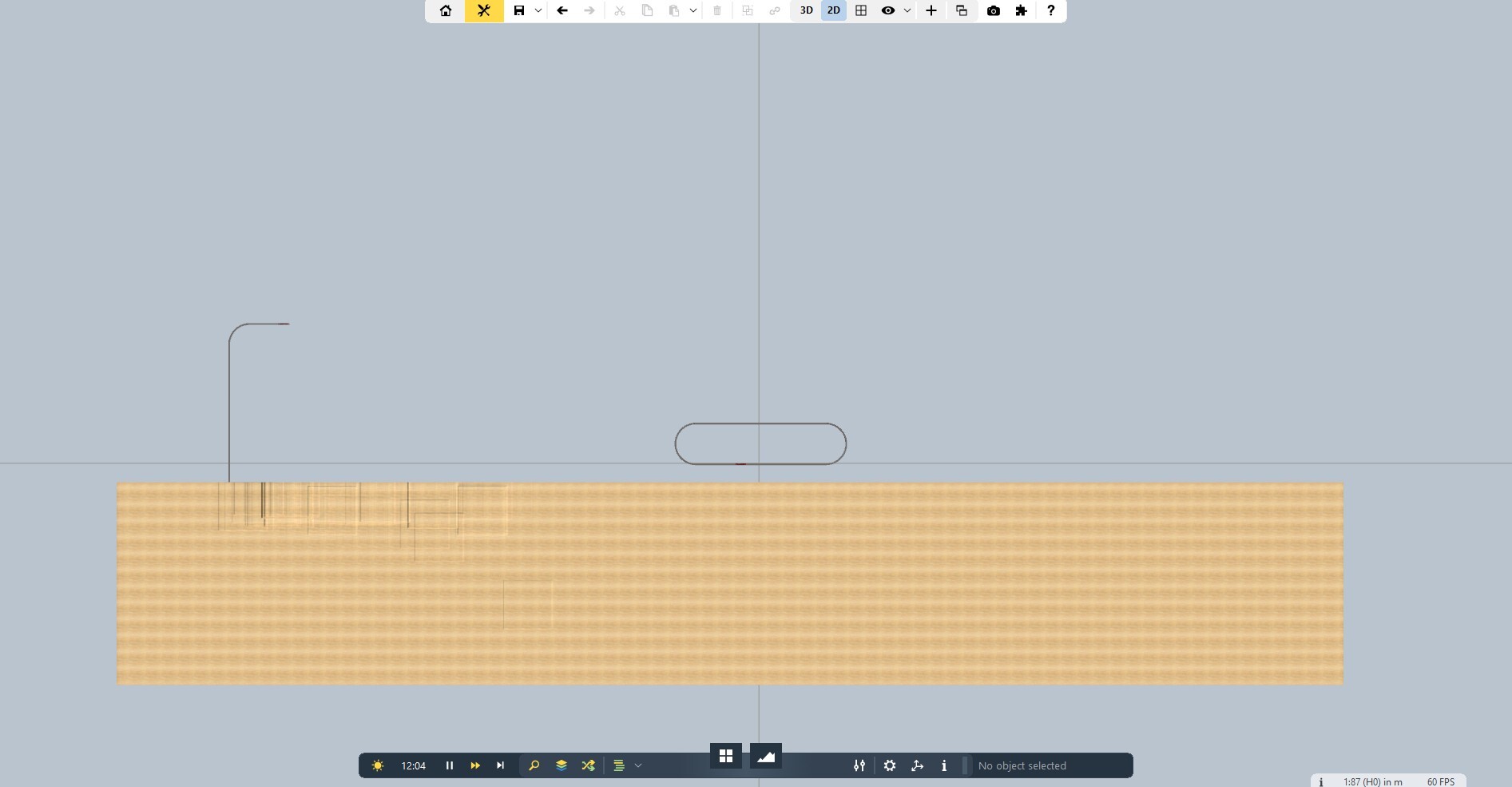
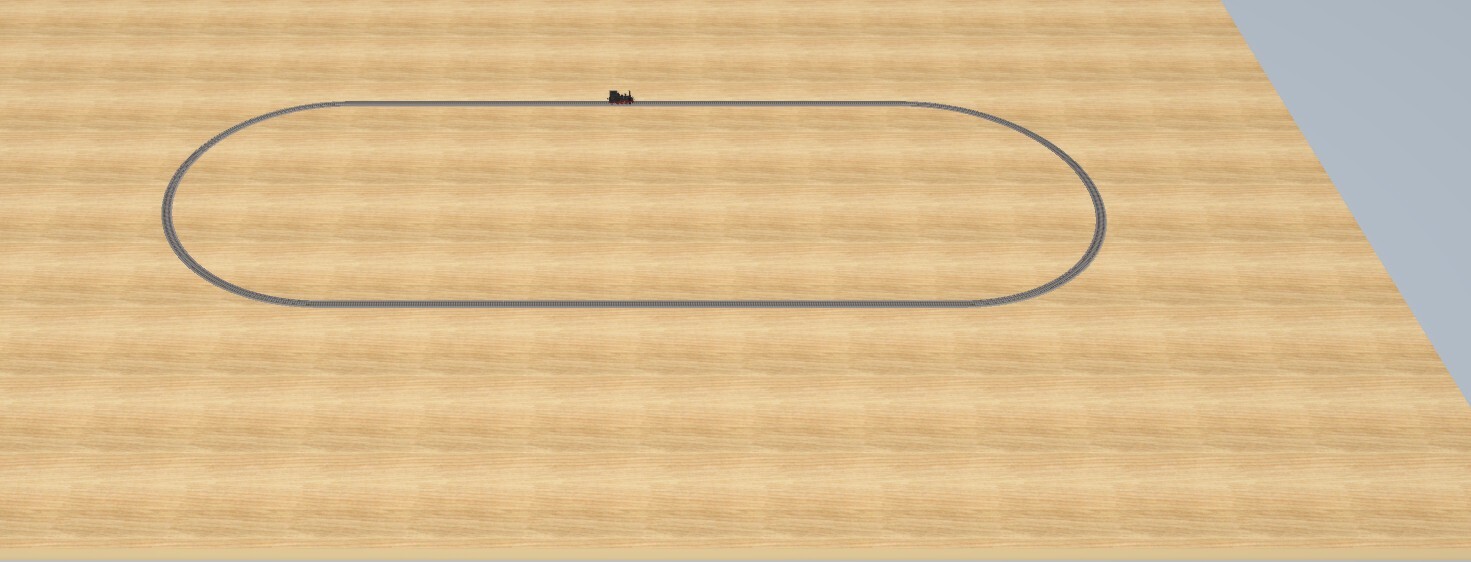
thank you look at this. two issues, why is the track disconnected from the terrain, I do I remove the elevated terrain?
-
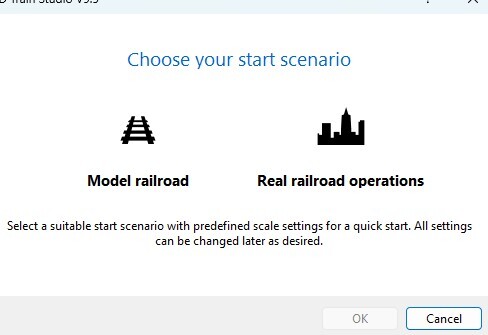
hi agiain now i want to start again. even if i am not very good with Woking with 3d train I have in mind a very big and complex layout. something like 25meters by 25 with 2 layers and many trains, controls and so on. I know it is a long way to accomplish this layout. first question is to create the initial terrain. wich one of this two alternatives should I use ?
-
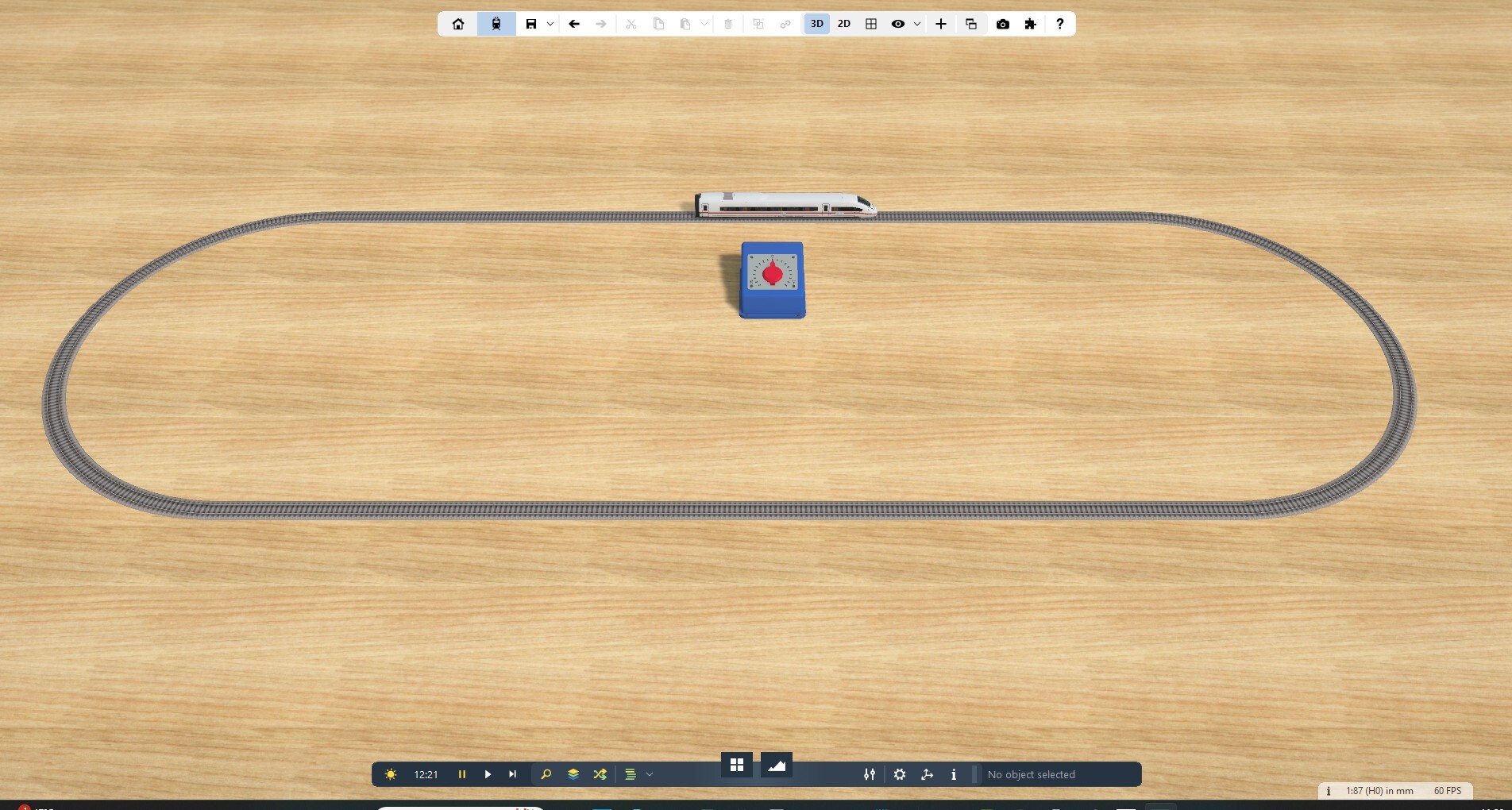
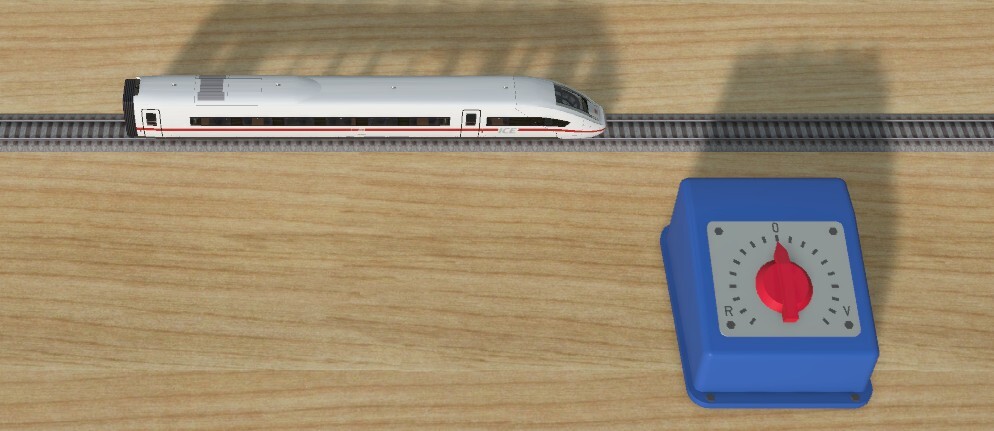
Finally it works, i did not find that i have to use this command in any help o manual. select the control menu from the bottom bar may be I missed it happy xmas roberto
-
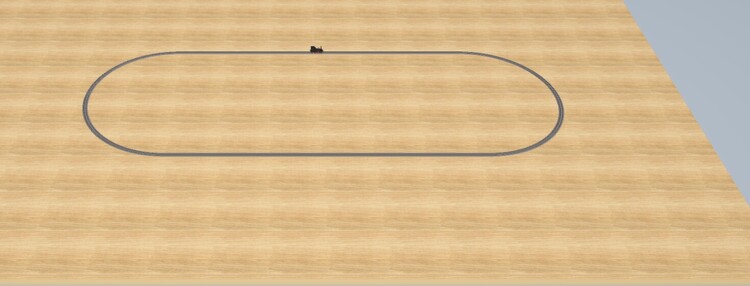
Thanks for your replay, Yes, I did set the train to play, but it still did not move. I gave up. this morning I tried a new very simple layout using elements from the Sample, Still not working. see attached may problem is with my account
-