swcurrill
Mitglieder
-
Benutzer seit
-
Letzter Besuch
-
Thanks Herman I think I will step back from this Event programming for a while, I am far out of my Knowledge and capability ( I am 76). I will try to read as much as is available as regards Control, and then perhaps upload my layout for the Forum. Thank you for all your help Regards Stephen
-
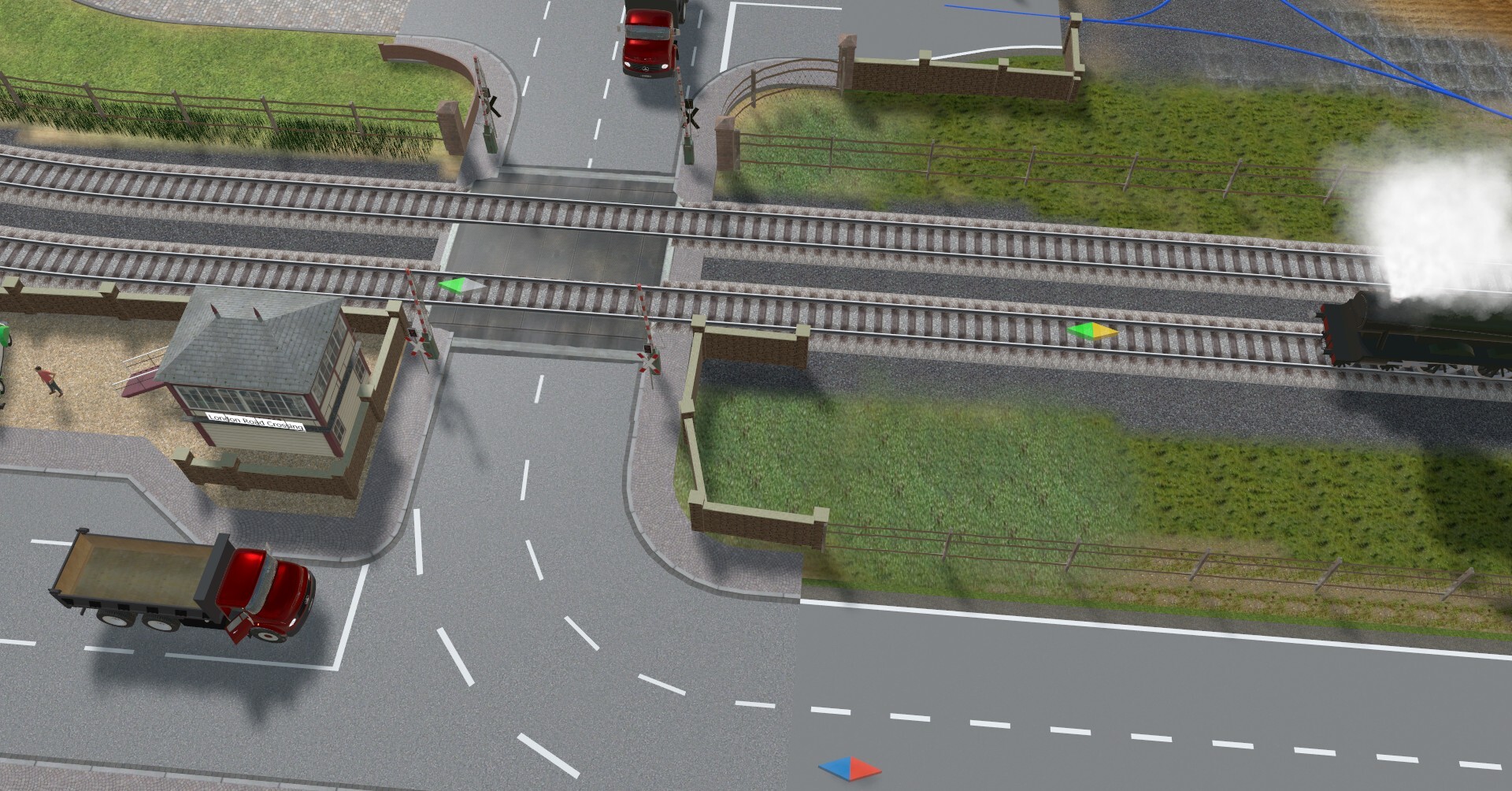
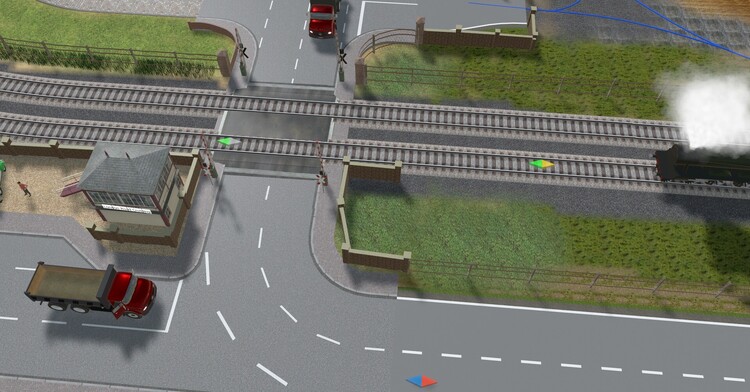
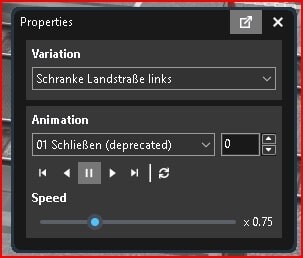
Hello Herman, Unfortunately I have been unable to operate my crossing gates as per you instruction. One problem is that the properties sub-menues are in German andd I cannot get the logic. If you have the patience, I will attach a screen grab of the Crossing and ask you /or the community to show me how to lower the gates triggered by the train entering and close on leaving. The rail contcts are position for testing only Regards Stephen
-
Thank you all for your help. Best regards Stephen
-
Hi everyone. I am very new to 3D studio, but making progress, Can anyone tell me how to restart a train moving after stopping it at a station? If there is anyone out there that would like to mentor me in English I would be most grateful I do not use LUA Many thanks Stephen