Herman
Mitglieder
-
Benutzer seit
-
Letzter Besuch
Alle erstellten Inhalte von Herman
-
 Hello @RoniHB thanks for the exit hatch. Hello @Phrontistes nice layout. Regards, Herman
 -
Hello @RoniHB , @Phrontistes , now it's ok. Why it would'nt come before ? I did use the correct ID in both cases. No problem any more. @Phrontistes said : "Perhaps you are confused a bit today ". No not at all. Something went wrong for a short time. Forget it. Kind regards, Herman
-
Hello @Phrontists , no elements found in catalog ( layout ) ? Hello @RoniHB , model found, but it has no animation for the exit hatch ? DEAE5AE9-046F-4362-B3AF-DBE6DDE3AD09 I have the english version at home. Kind regards, Herman
-
Hello @anschnipp , yes only one 3way shown , but can be used for all the 3way track switches in a layout. Just paste from layout. Then each local copy will work with the same code. ( probably you knew this too, that's why we call it generic ). It was just ment for you to study a mix of solutions. Good luck working out your own solution. Kind regards, Herman
-
Hello @opax , great, I enjoyed it very much ! Gruß , Herman
-
Hello @anschnipp , sorry a misunderstanding. Good that @Goetz helped you already. But maybe I should have send you this solution I once made. ( this one is generic ) . Ungroup before use. 3 way switch generic.mbp Kind regards, Herman
-
Hello @EASY , great models, I'm looking at them here in a layout. ( the drafts ) But I cannot put the lights on. ( no properties available ? ) Kind regards, Herman
-
Hello @anschnipp , I found this in the catalog. Maybe there is something in for you, I'm not sure ? "Dreiwegeweiche mit Signal" von Easydiver. D2C3A7B6-F6F4-4E93-9DC0-34A35873C3DC. In online catalog, modules to insert. Kind regards, Herman
-
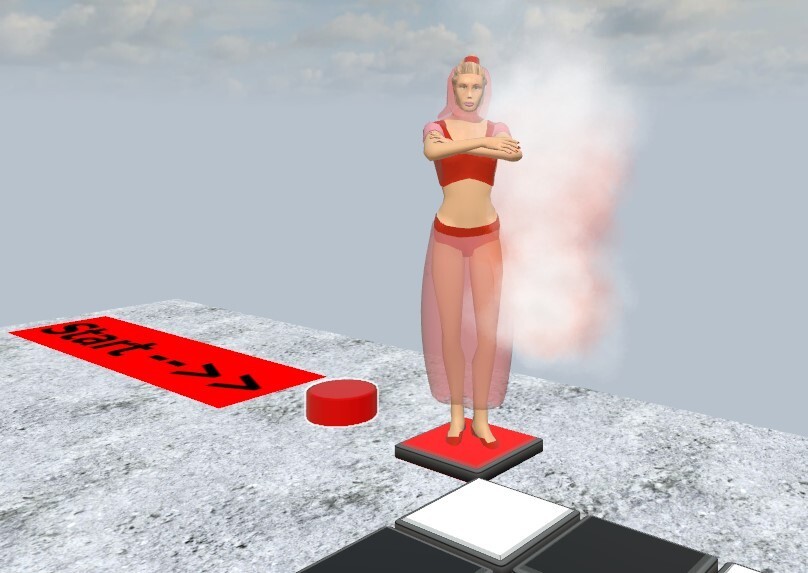
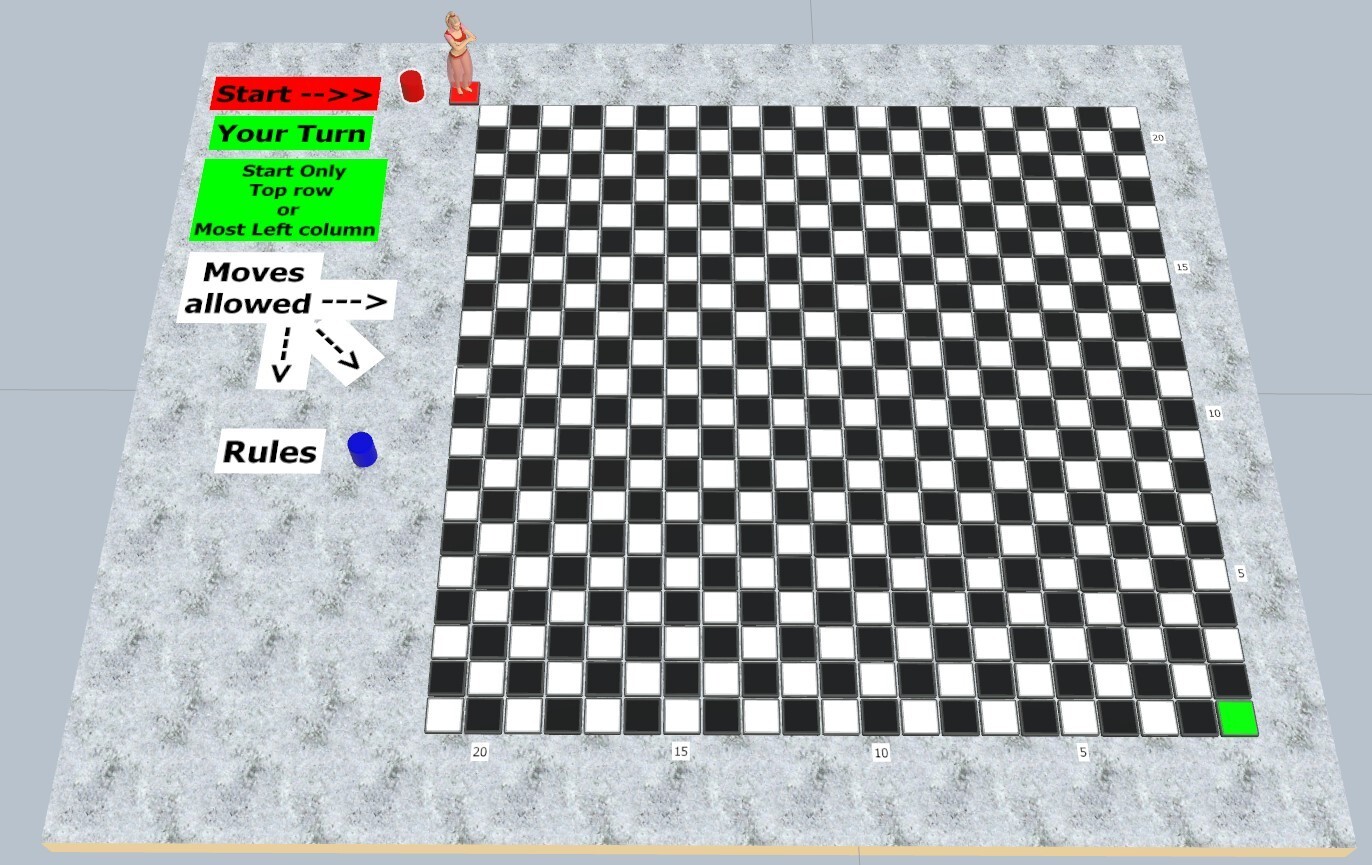
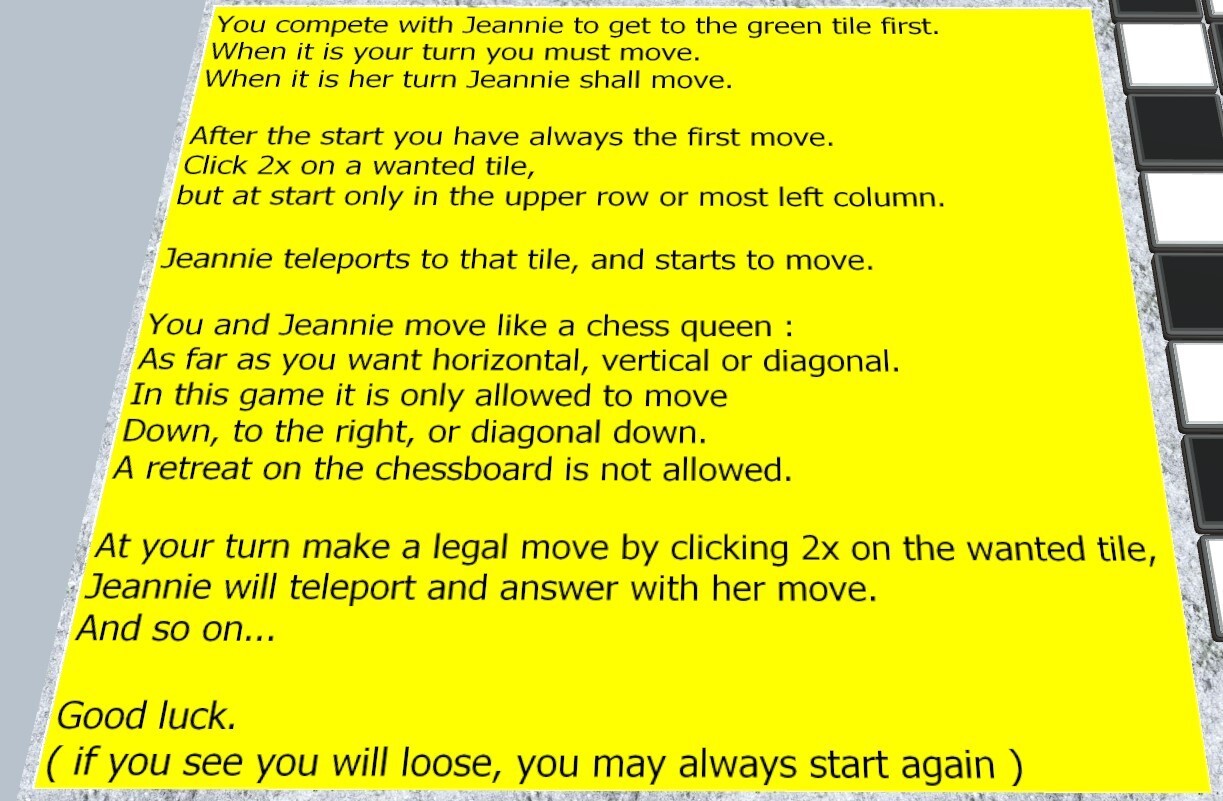
Hello everybody. This is an old game, or more a riddle ? Two players compete on a chess board with only a chess queen, he/she who first reaches the tile on the bottom right wins. I found Jeannie ( model from @Jim Knopf ) and let her play against you on a big chess board. You must start, and it is even possible to win. Can you solve this problem ? Have fun Kind regards Herman. Because not train related, only a draft : A383864E-A288-44FF-A35F-02E721956650


-
Hello, since @EASY helped us with the function quaternion_to_euler(x, y, z, w) , the problem is solved ( for me ). I only wanted to find the x° y° z° global angles of an object in Lua. Thank you Easy ! Kind regards , Herman
-
Hello @EASY , for such a nice solution thank you very much. I'm very happy with that. Kind regards, Herman
-
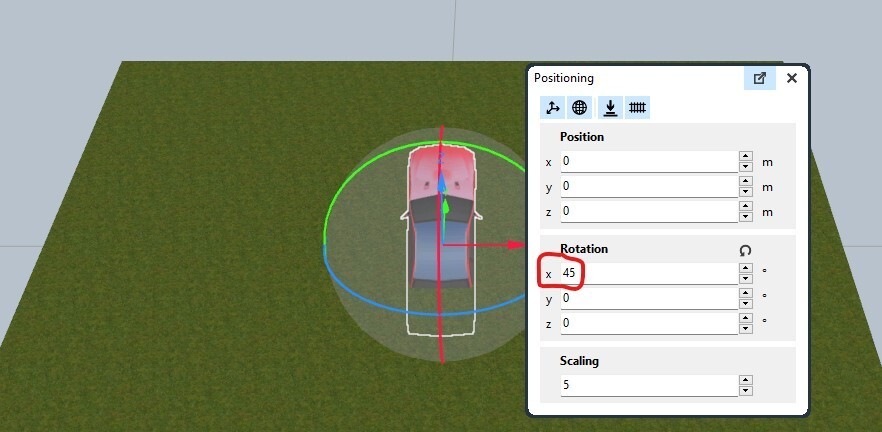
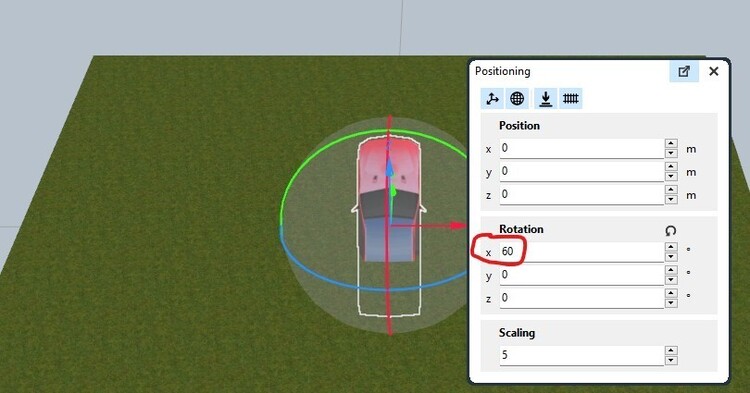
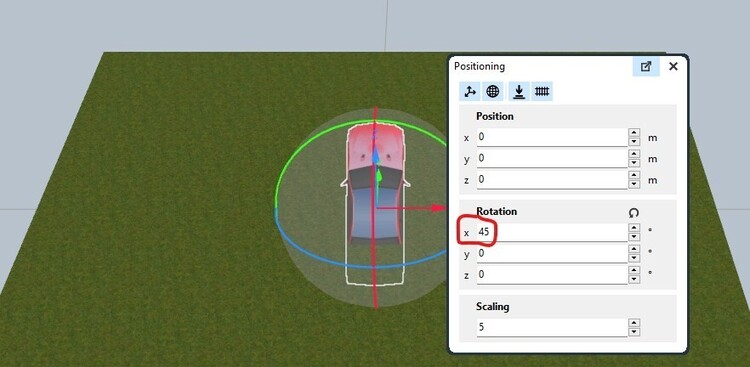
Hello @Hawkeye . The 45° in my picture is the angle in the global system. ( we see it at positioning ). It is seen after your rotation of -15°. It started at 60°. Ok you wanted that, and did not achieve that; I did not know it. But I'm only interested in the angles vs the global system. So it did correct the -15° rotation in the global system. And I cannot find in Lua the 60° or the 45° for a specific object in the global system. But will we please leave it now ... Kind regards, Herman
-
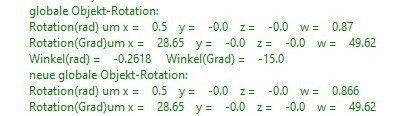
Thank you @Goetz so I did understand that. Now the remarks on @Hawkeye 's example print("globale Objekt-Rotation:") print("Rotation(rad) um x =",FZahl(Rotation.x,2), "y =", FZahl(Rotation.y,2), "z =", FZahl(Rotation.z,2), "w =", FZahl(Rotation.w,2)) print("Rotation(Grad)um x =",FZahl(math.deg(Rotation.x),2), "y =", FZahl(math.deg(Rotation.y),2), "z =", FZahl(math.deg(Rotation.z),2), "w =", FZahl(math.deg(Rotation.w),2)) I do not agree with this formulas. You only take the x, y, z, w from the Quaternion. Conversing to radials or degrees is a lot more complicated. But why not some pictures , what I mean is : start rotate with your program over x 15° The pictures are correct, your example does the job, but : So I still cannot find in Lua ( see the prints ) the wanted angle before or after the rotation. Hawkeye, but I appreciate it a lot you wanted to give some help. Let us leave it for now at "feature request". Kind regards, Herman
-
Hello @Hawkeye , thanks for your example. It is the global angle that I need, not the local. A question : when we change from global to local or vice versa, only the view of the axises changes. ( to move stable along an axis if wanted ), but the values we see in positioning for the angles are only the global one. ( correct ? ) I have remarks on your example, but it takes a while to explain this correct. I learned already a lot out of your example, so thank you. See you again here. Kind regards, Herman
-
Hello, @Hawkeye , thanks for the support. I'll have a look at your example. No sorry at all. We all can use Google translate here. Recent I too only work in one language here, however English. My German is not good enough. Yes, I already said that is probably so, that's why I went to "feature request". Hello, @Goetz , thanks for the reaction at @simonjackson1964 , yes I know. And I'm not looking to some formulas to find it, only if it should be easy available. Since Neo uses the quaternion to rotate, and shows the values in positioning, maybe ... ? But I repeat, an exotic request, and maybe the users will never want to use it. Kind regards, and thanks again. After looking at Hawkeye's example more toroughly , maybe I'll come back here. Herman
-
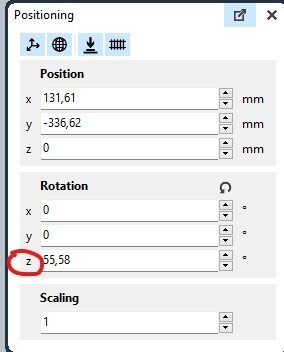
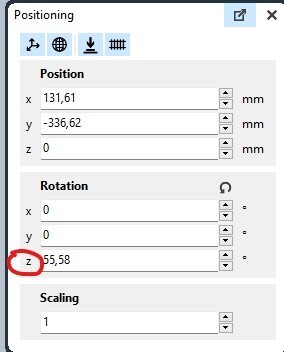
Hello @Neo , just a request for the future. Not an important one because we do not use it often directly, and exotic, only a few members will use it at all. So only a wish. In his studio Neo uses frequent rotations to perform wanted operations of the user. So Neo has already the necessarly tools to do some of the wanted calculations. This two are already given free : local t = $("an object").transformation.rotation -->but not very user friendly because of the quaternion. and $("an object").transformation:rotateZ(math.rad(30)) --> works fine, rotates further over 30° ( z -axis ) But if we want to find the angle an object is already rotated at the moment, or if we want to rotate directly to a specific rotation ( without knowing the actual rotation ), it is not given free. So I'm thinking of something like the following. Let us start with 0,0,z' (*) local a = $("an object").transformation.rotationZA --> where the result is the actual rotation angle over the z axis in rad. ( here the result is z' ) and of course also $("an object").transformation:rotateZA(math.rad(30)) --> where the object will end on the actual rotation of 30° ( z-axis ) ( here it should be ok if we only could rotate directly to 0,0,0 , already possible workaround -> rotate equal to an object at 0,0,0) As I said, only a wish, only should it be possible without much work for Neo. Kind regards, Herman ( * due to rounding errors, not all rotations over x,y,z are possible in the studio, so my question is specific when an object has two of the 3 angles = 0 , in my case 0,0,z' as said before ) If we fill this angle in, Neo will immediatly rotate to the 55,58 ° as wished. So he has this tool somewhere ?
-
Hello, since ( I think ) there is not an easy solution for my question (for now), and I'm not looking for some formulas, see further under "feature request". Kind regards, Herman
-
Hello, thanks, but this value is not the angle ( z ) in radians of that object. ( convert with math.deg print and see ). The second one : $("BR 80").transformation:rotateZ(0.25) is known by me and does correct the job for that angle in rad. ( I sometimes use it , to rotate further over x rad) Kind regards , Herman
-
Hello @prince , is there something wrong with the ID nrs ? Greetings, Herman
-
Hello, I need some help. How can I get the value of the rotation (over z) of an object ? ( Lua is fine, angle or rad is ok ) And then on some conditions, rotate it to another angle. (over z) Thanks in advance. Kind regards, Herman
-
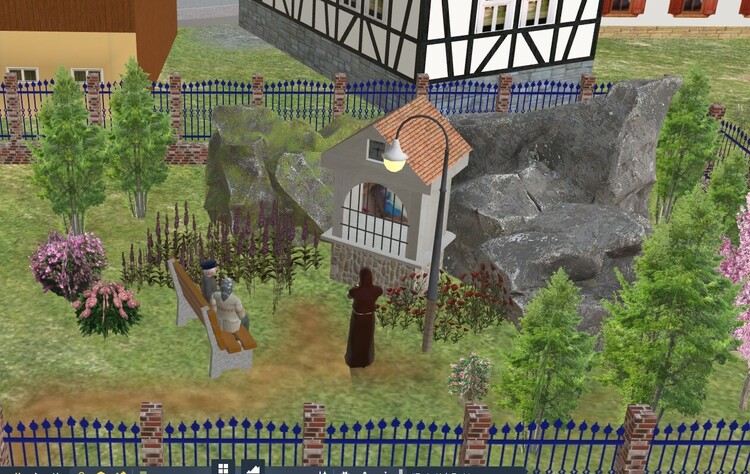
Hello @Andy, even I knew that. That's not wat I ment. In real live the tower is somewhere connected to the church, it is not an other separate building. But for me the model is fine as it is. Not important. Greetings, Herman
-
Hello @EASY , splendid model ! I noticed that the tower was not connected to the church. I mean the small opening between the tower and the church. Maybe wanted, and not a problem. Just saying Greetings, Herman
-
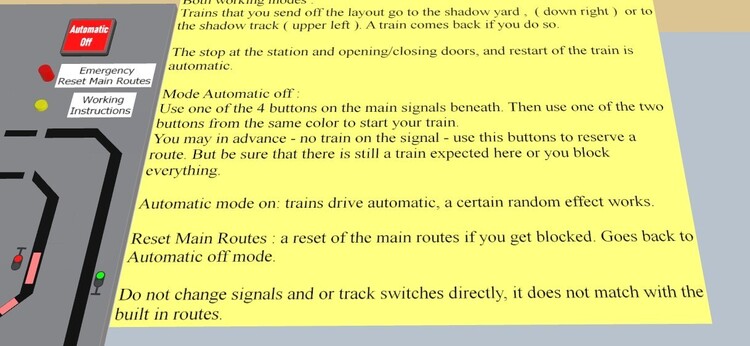
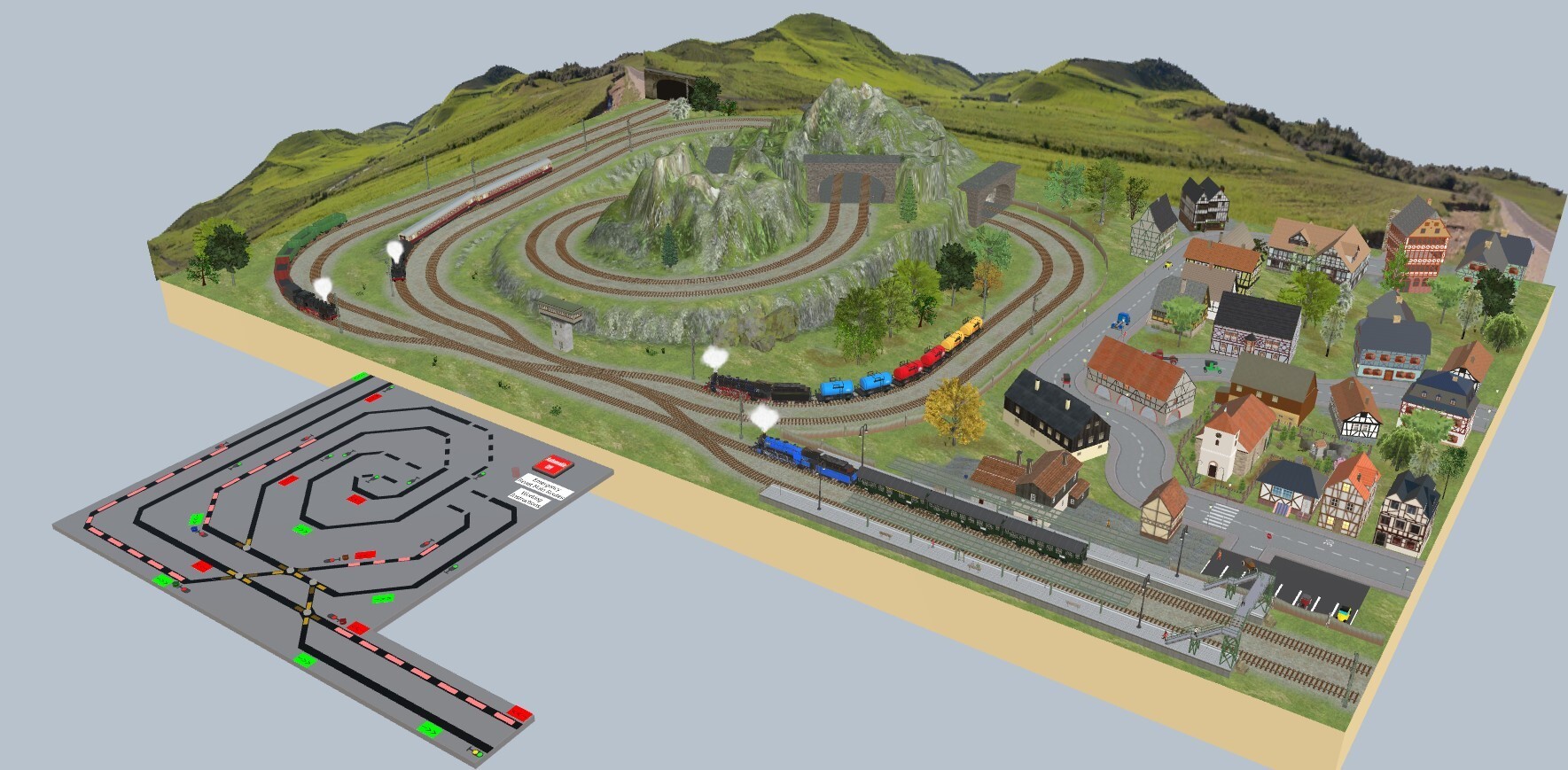
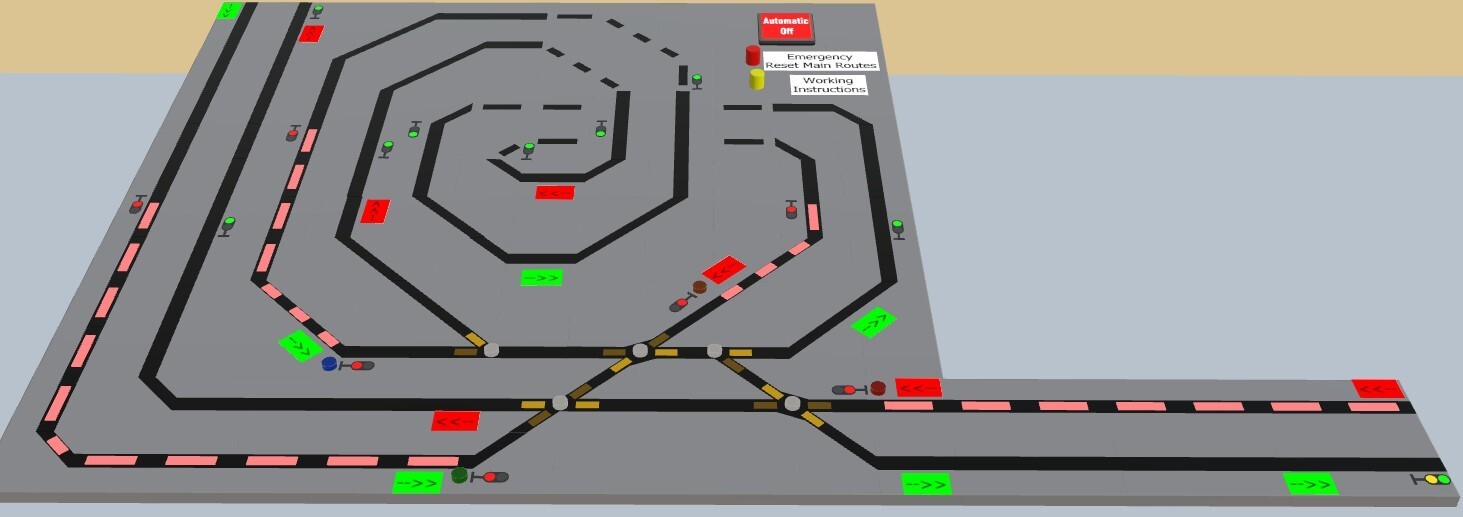
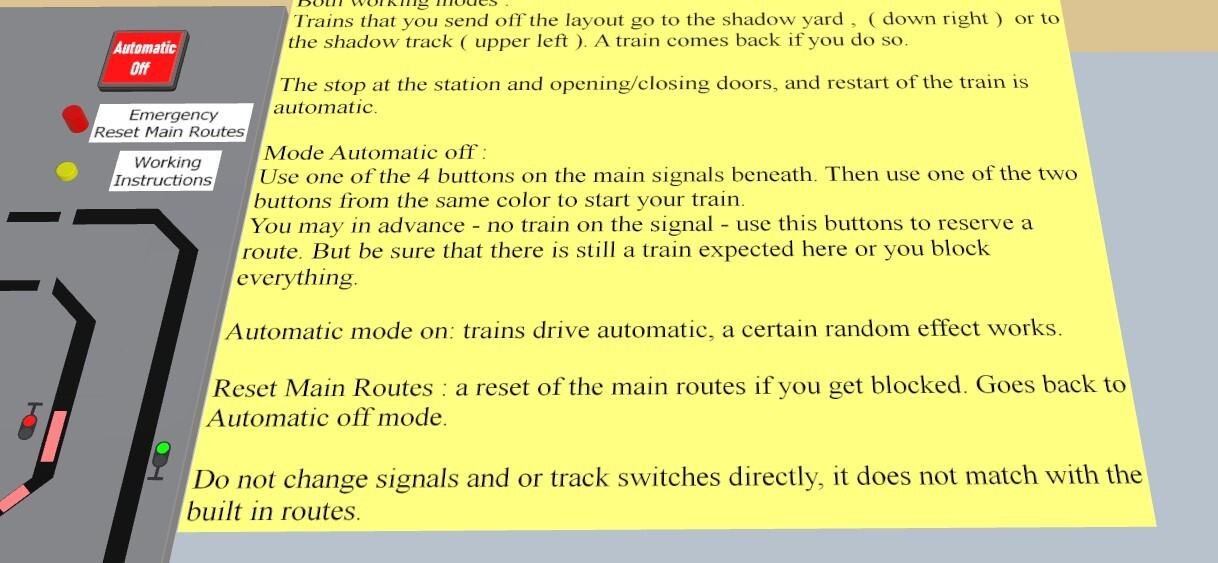
Hello to all, thanks to the tip from @Phrontistes , the GBS panel is now protected against changing the signals and/or track switches directly. Same ID nr. Altough this is possible, I did prefer not to do the same in the layout. The warning stays, do not change signals and or track/switches directly in the layout. In the Gbs panel it was really needed, a wrong 2x click in the In the surroundings of the buttons can happen easily. Have fun, thanks for looking. Herman
-
Hello @Phrontistes , thank you for the tip. Kind regards, Herman
-
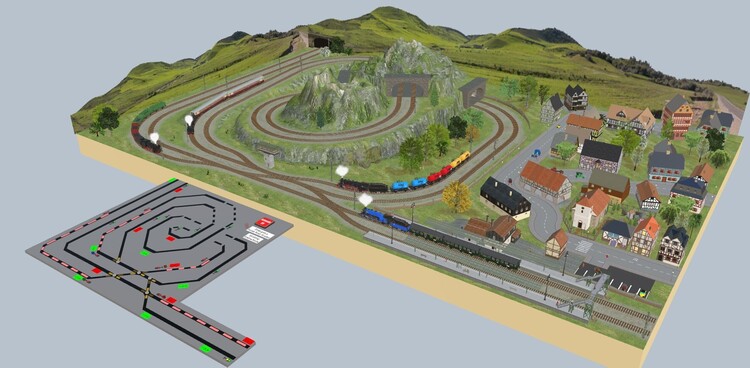
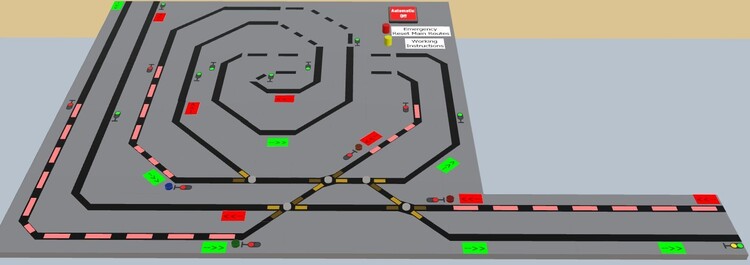
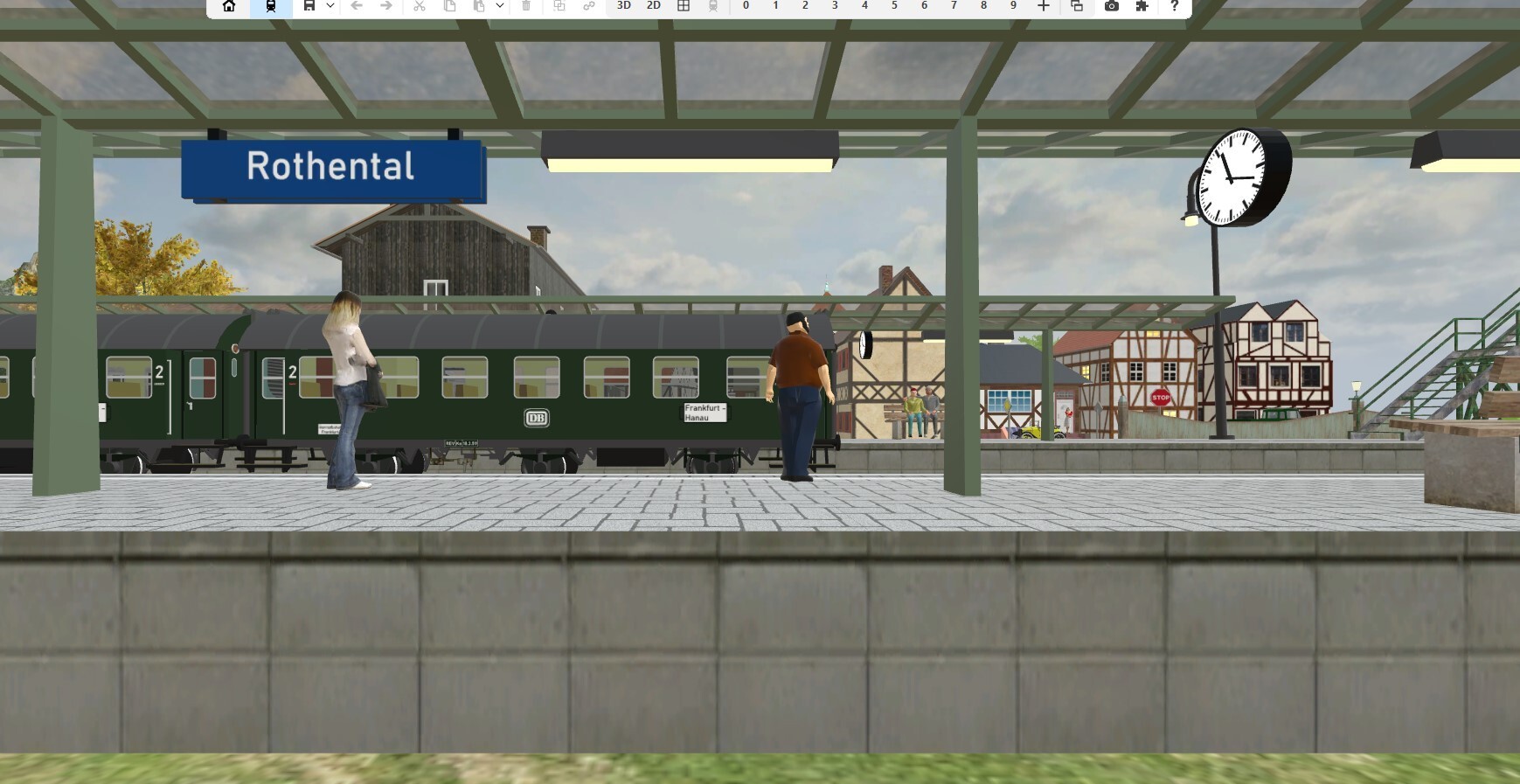
Hello everybody. No, just a joke, when I saw my ugly gbs control panel … a title was found. In this layout you can swith automatic on / off. When off you have some limited influence on where the trains are going. But even then the routes control the safety of the rolling stock. With the use of reserved tracks ( yellow ) or occupied tracks ( red ) you can handle the rolling stock. Do not use the signals and/or track switches directly on the gbs panel. It is not conform with the built in routes. Thanks for looking, have fun ! Kind regards, Herman. D57E7A2A-1F2A-4A80-A716-571FE168F22D V8