bevjcthompson
Mitglieder
-
Benutzer seit
-
Letzter Besuch
-
I am trying to update to V8 from V7 and it asks for the serial number, where do I find the serial number in V7 to transfer to V8
-
Thanks for the advice. I am now using boards 200 x 200 and it works
-
Would it be better to use several small boards joined together?
-
I am using a very large base board and I am trying to adjust the terrain below an inclined track but the "Adjust terrain" will not work. It works if I use a smaller base board. I have another problem with editing the terrain of the baseboard , the response time to trying to lift a series of points is very large. Can anyone help?
-
Thank you for your help
-
I am trying to build a layout with a track starting on a level base and then going up an incline. The problem I have is that the track disappears into the incline. Is there a technique to over come this or is there a flexible track that bends upwards or downwards? Bev Thompson
-
I want to create a new base board of a 3D model terrain I have created. I have imported it as a 3D model ok but I would prefer it to be a base board. Any help would be appreciated.
-
Hi BahnLand I have tried your suggestion no.2 and it worked very well Many thanks Bev Thompson
-
I have created a section of UK platform as a road.This allows me to snap sections together and curve adjacent to track. All this is ok but I want to bend a section down to create a ramp. The problem is that the result has a gap in the top surface (see Picture) Any suggestions to remove the gap. Thanks Bev Thompson

-
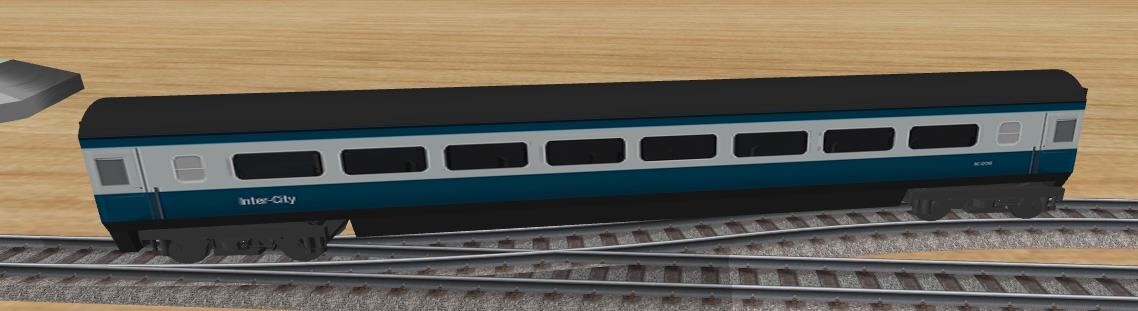
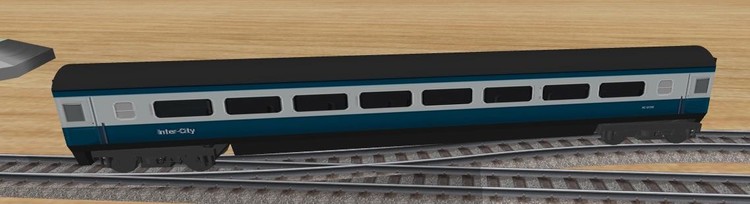
Hi BahnLand Many thanks for your help. Finally ,after several weeks work, I have produced a model of a British rail Mark3 carriage with bogies correctly allinged to the track. With the zip file you sent, I realised that to use the correct 'mm' setting for Sketchup, to use materials from jpegs and not the materials inside Sketchup , to label the groups correctly and to use the correct x exporter. Many thanks Bev Thompson
-
Hi BahnLand I have reverted to using Sketchup. I have created a Carriage body with the required projections and I have created a Bogie but I have come back to my problem of getting 2 bogies to follow the track. What is the correct way of labeling the bogies with _WheelSet0 and _WheelSet1? Regards Bev Thompson
-
Hi Max I have continued my experimenting and I have found that I forgot to tick the 'Textured Solid' box in 'Shading' It now works. Many thanks Bev Thompson
-
Hi BahnLand I am trying to project the picture of the side of a carriage onto the shaped side of my model. I am using the 'projected image' method as suggested in a tutorial by a Sketchup user. This works ok until I export to x file when the image is saved is not to the 2^x standard. Regards Bev Thompson
-
Hi Max I have followed you instructions and I can see the image projected on the blender render screen but it is not seen after importing the x file. I am using the x file exporter as includer in Blender 2.79. Am I using the wrong exporter? Regards Bev Thompson
-
I am trying to create a model with a uv material mapped I have tried Sketchup but the method creates a new image that contravenes the 2x2 rule Sketchup will upload a colour ok. I have tried Blender but I am having a problem with exporting an x file with a uv mapped side. I have tried Wings 3d but I cannot import the x file into 3D Train.(it reports unsupported file format) but again I can import a straight coloured x file. Can anyone help Regards Bev Thompson