henricjen
Mitglieder
-
Benutzer seit
-
Letzter Besuch
Alle erstellten Inhalte von henricjen
-
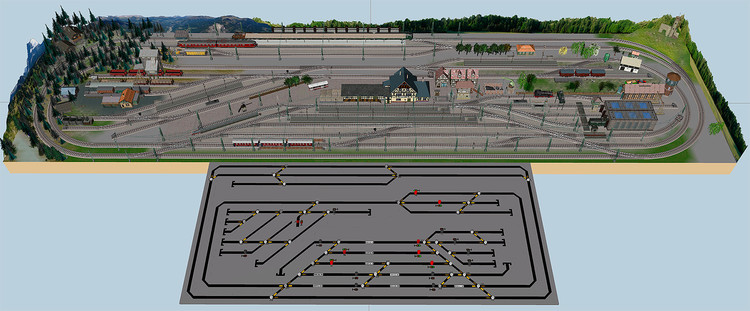
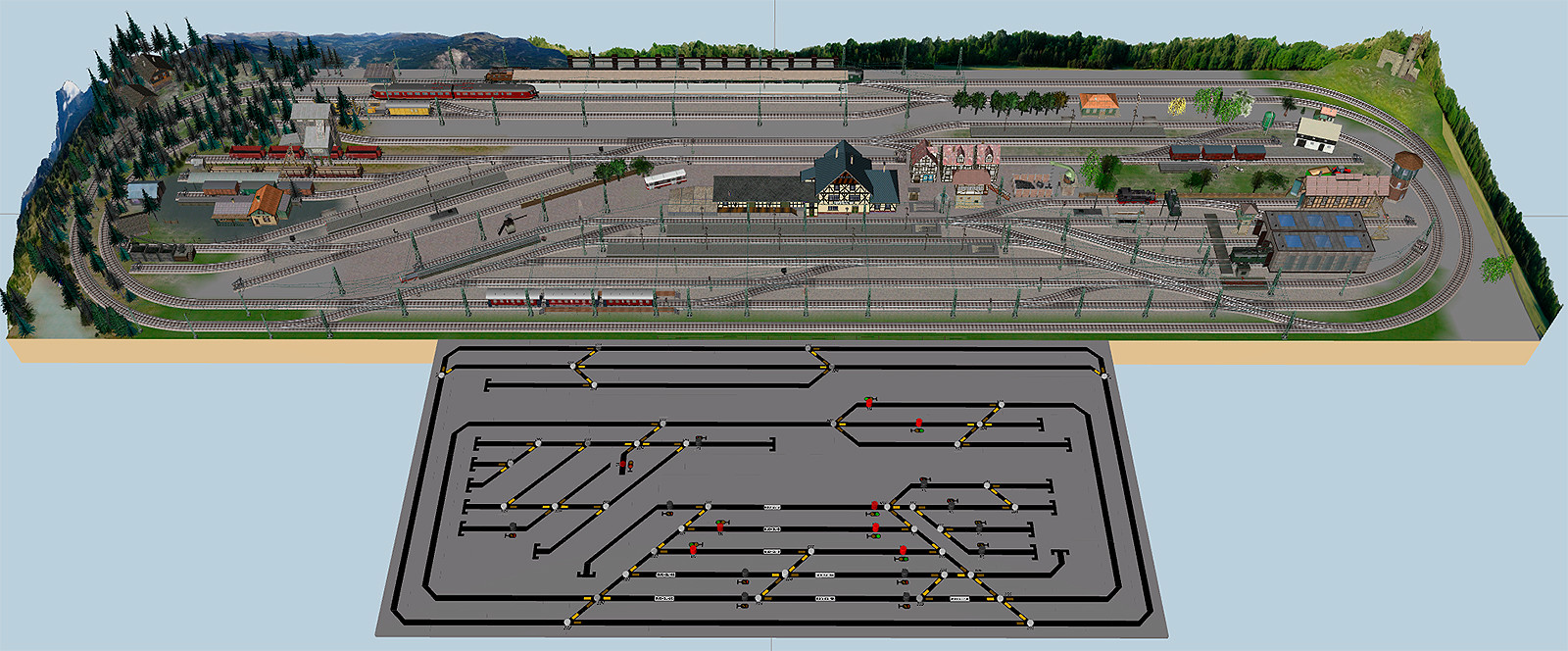
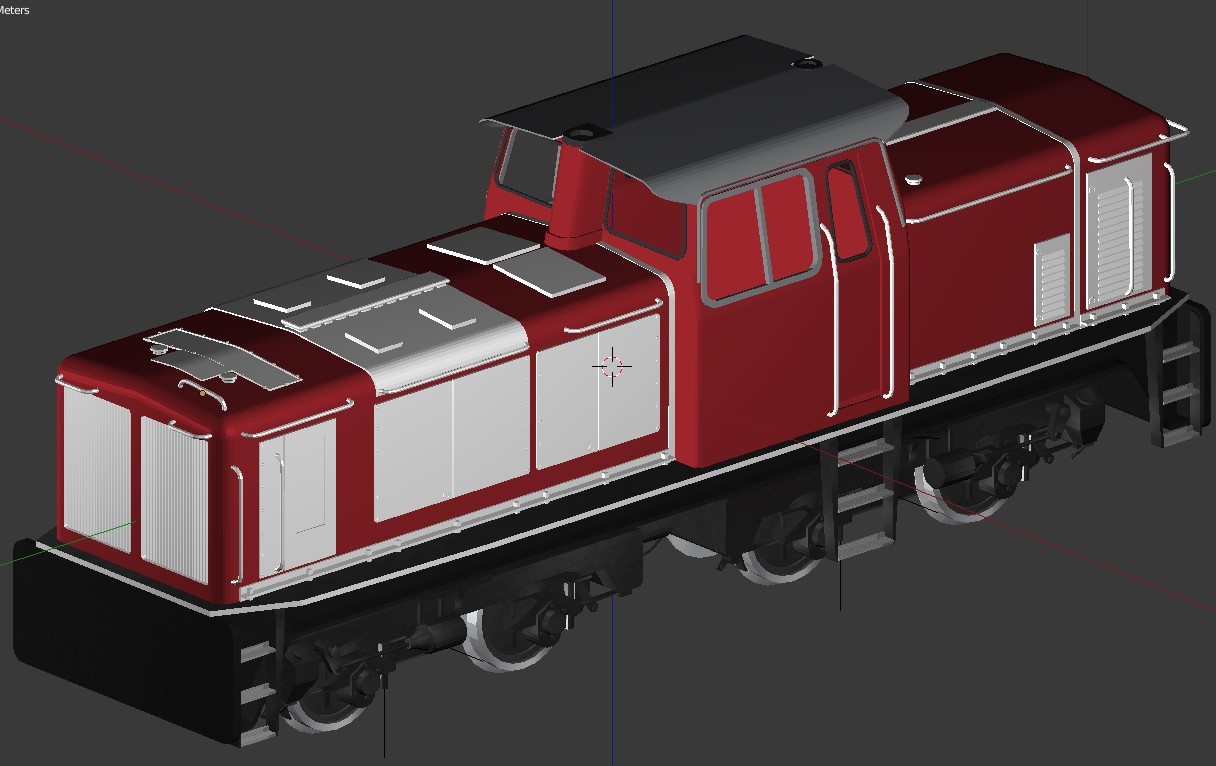
 Hi all, I have just discovered this gem of a 3D train software product. Of course not all ressources are of prototypical quality. But the features in v4 are vast, so easy and intuitive to use. And then underneath you can create advanced macros for traffic control. I am very impressed and surprised I never have heard about this product before. To get started, I decided to start making the small Marklin layout, I unfortunately dont have room for in real life. Technically it is a small 4m x 1,1m layout using Marklin C track. Concept is a traffic layout, where running of trains between stations is the focus. Theme wise its about a local DB point to point railroad line from a main station "Budenheim" with connection to the main rail DB net and through the farms lands to the Alpes. It also have a parade main line for long trains. From the Alpes and farms, ressources like coal, logs and cattle are being brought to "Budenheim" and being send to the main line in longer freight trains. There is also a local passenger service with special trains for tourists. Local line is handled by steam engines and the main line by electric engines. The main line also acts as a shadow yard with 5 tracks. I will post more as the layout progresses... Nebaru PS. I can read and understand German. But my German grammer is too bad, so I have to write in English.