henricjen
Mitglieder
-
Benutzer seit
-
Letzter Besuch
Alle erstellten Inhalte von henricjen
-
 Schöne Laternen
 -
Love the Maerklin stellpult Brummi
-
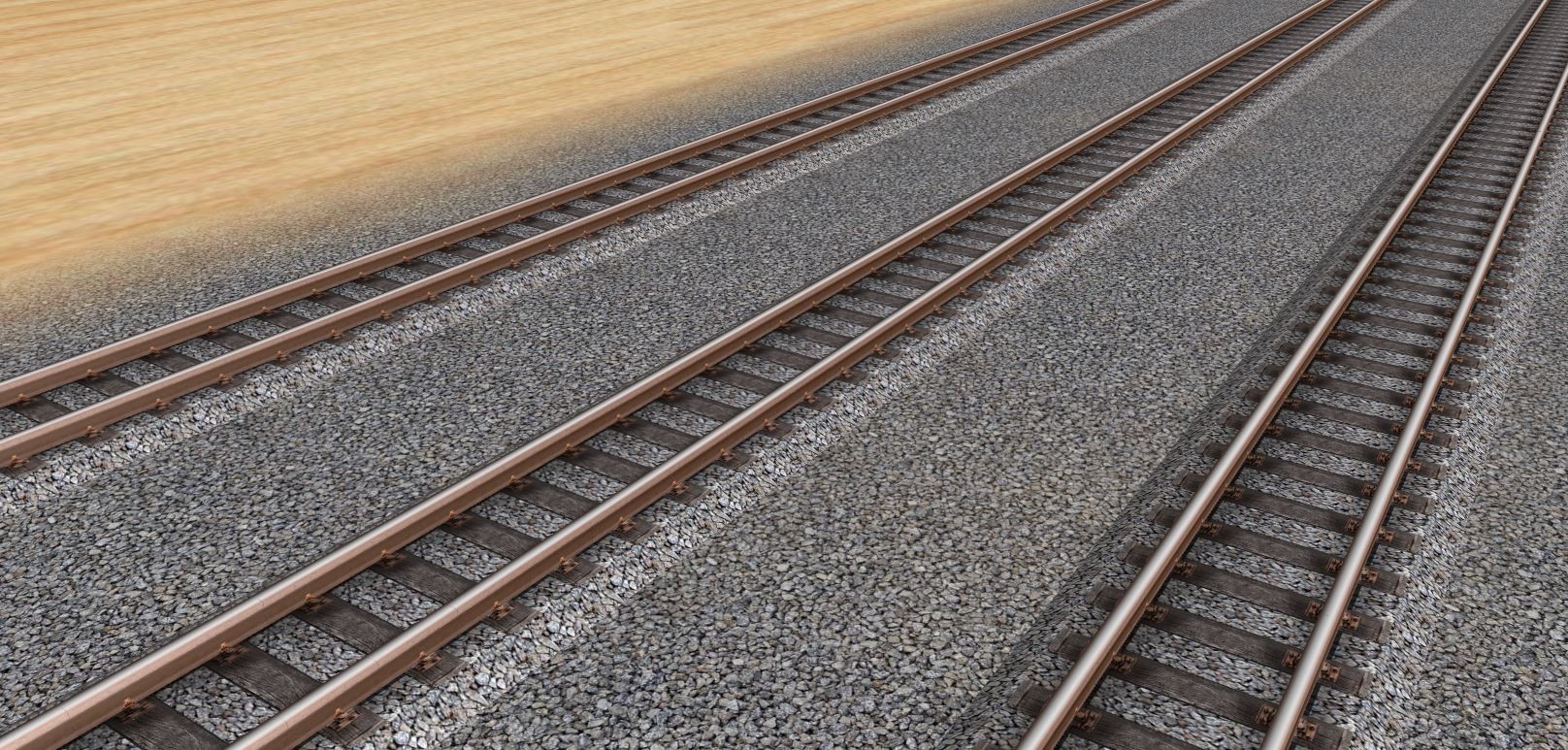
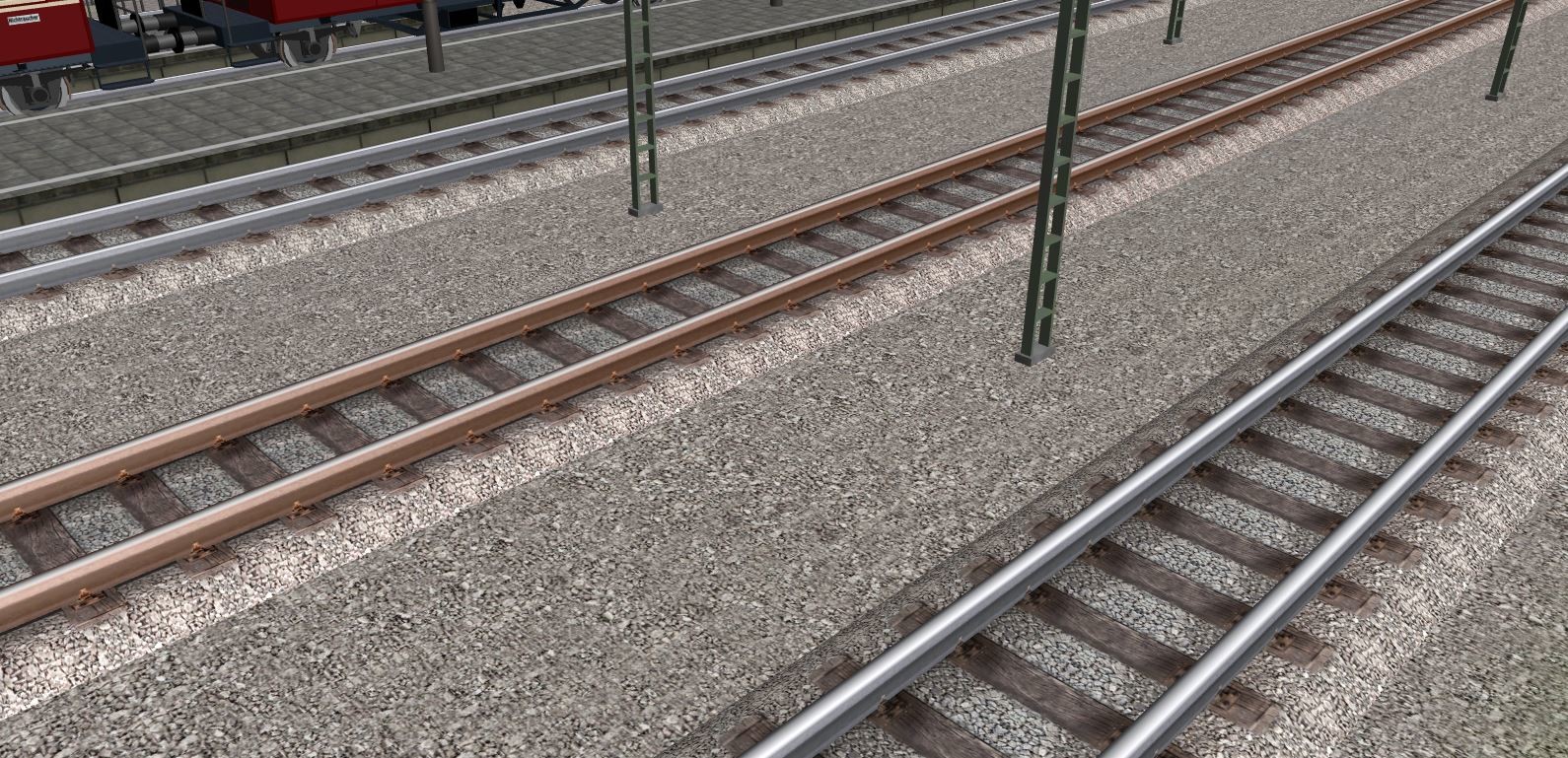
Hi all, the first release version of the track/gleis textur and the matching ballast/schotter textur is now available in the online database: Gleis: Holz und grau schotter NB-GLTX-01 Boden: Schotter grau NB-BOTX-01

-
Cant wait to use them on my layouts Brummi You are indeed the head gardner
-
Looks great but watch all that coffee and cigarettes
-
-
Danke Wüstenfuchs
-
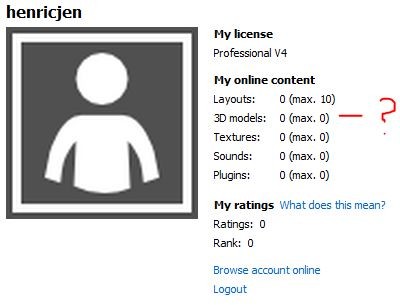
Hi all, Do I have to upload a layout and get 25 likes to rank (rang) 1 before I can upload my first textures? (Thats what I get from https://en.3d-modellbahn.de/wiki/8072#help-ratings) Right now my professional v4 account does not allow me any uploads at all. See the attached acccount information. Kind regards, Henrik
-
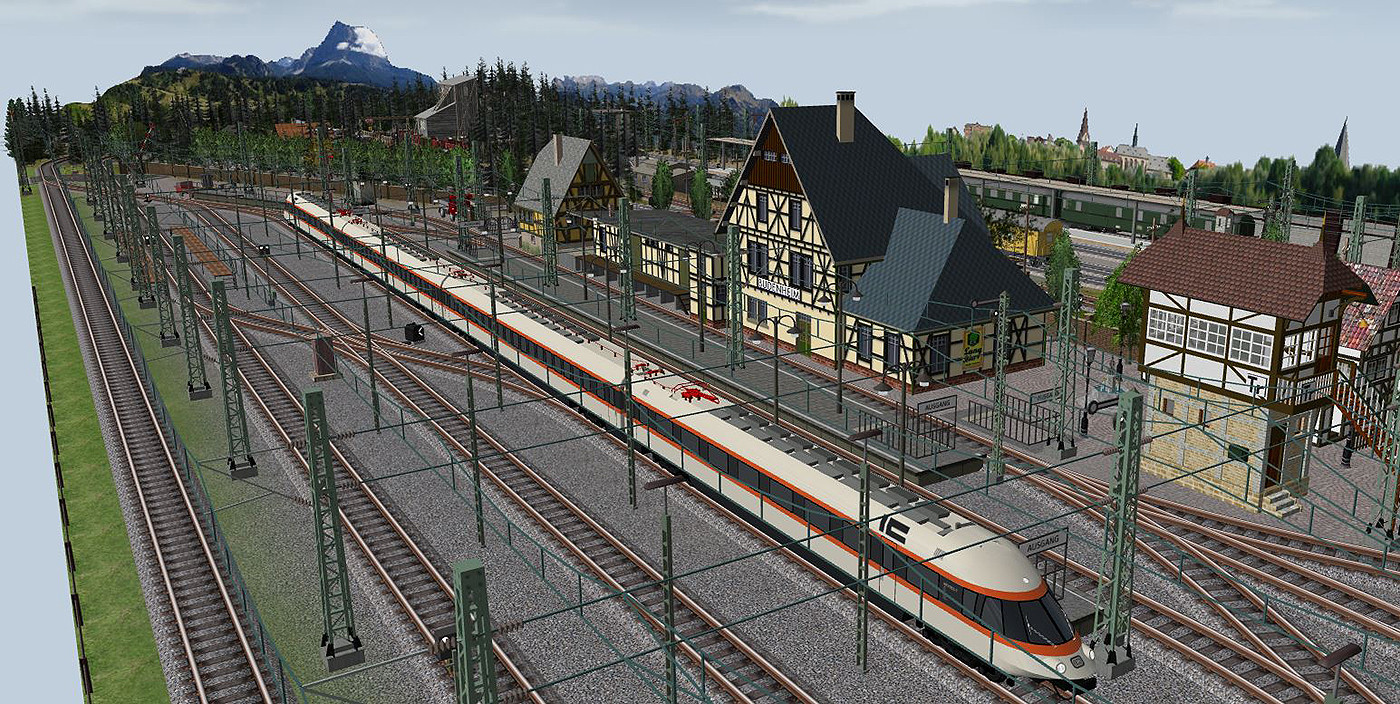
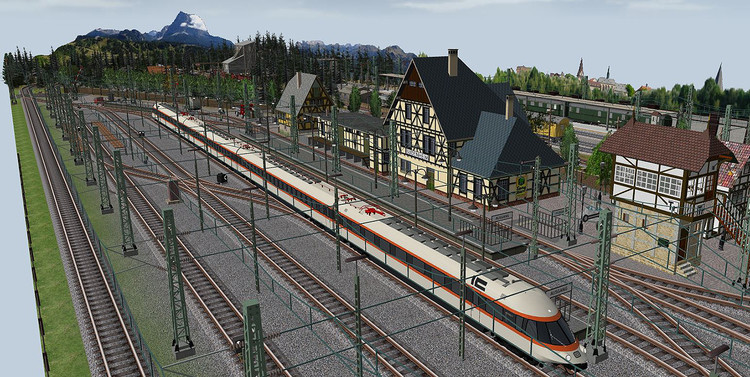
To celebrate Reinhardt's great work, the ET IC arrives for the first time at Budenheim
-
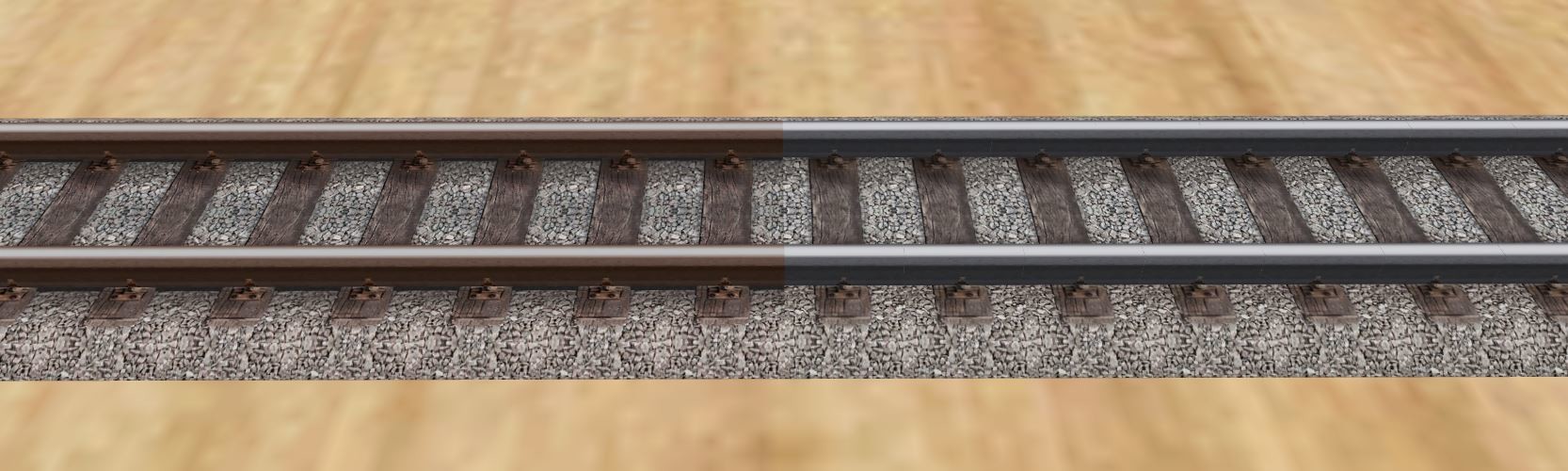
Hi all, I have decided to base the schotter on a freeware texture. I have also created a new boden schotter texture from this. So after a lot of Photoshop work, trial and error, the initial result is this:


-
Wonderful 3D work and texturing Reinhard
-
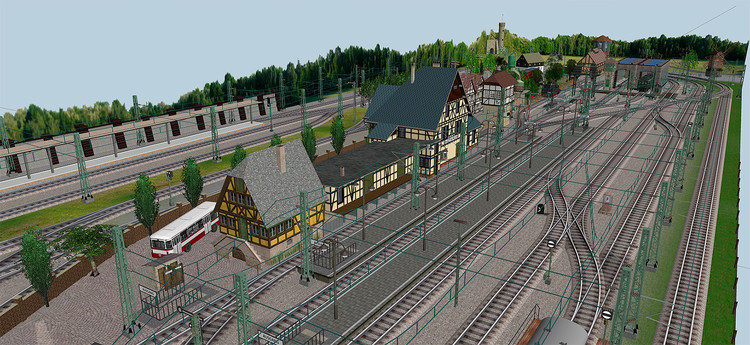
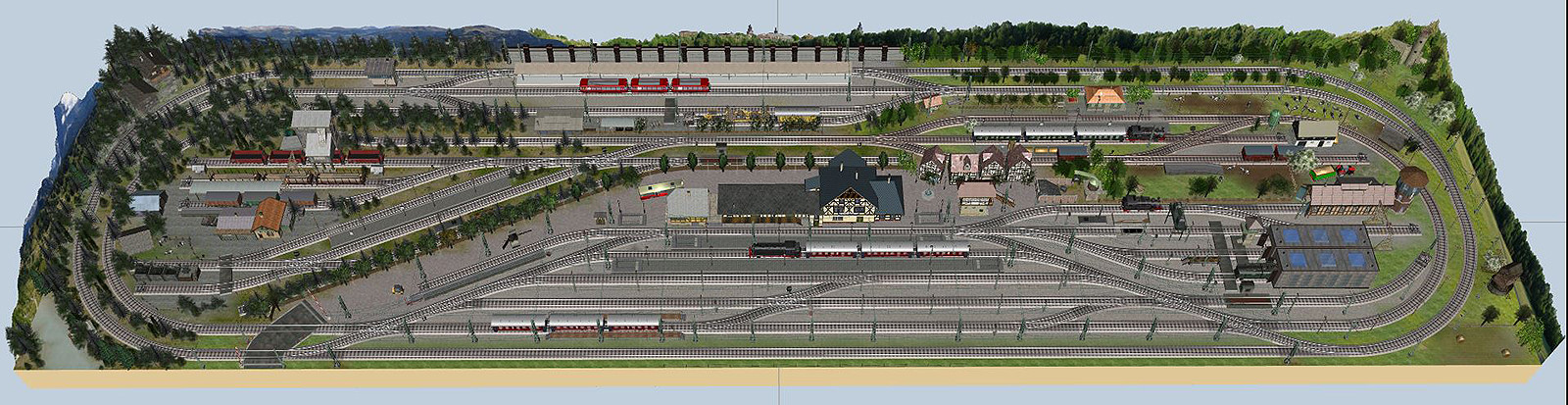
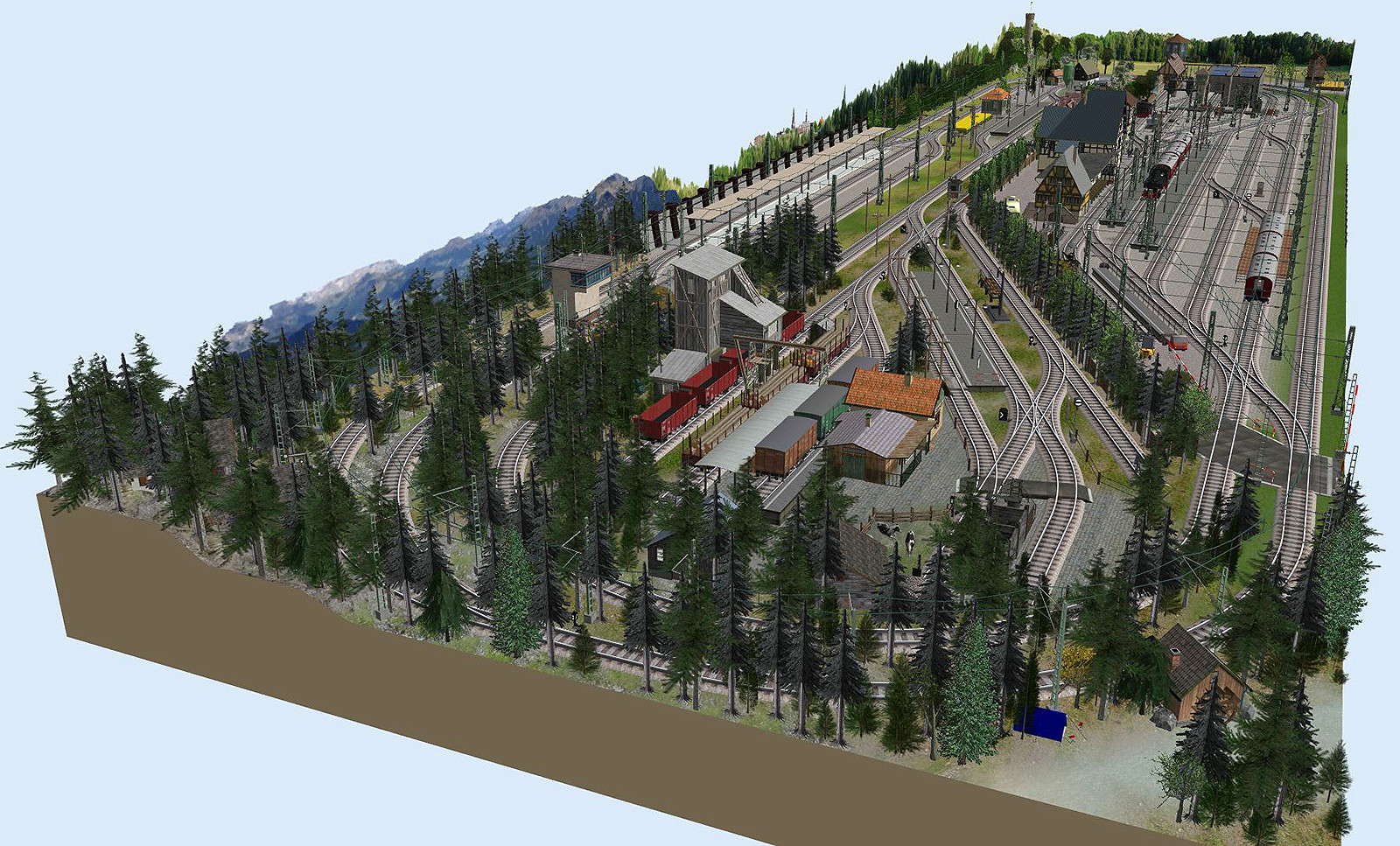
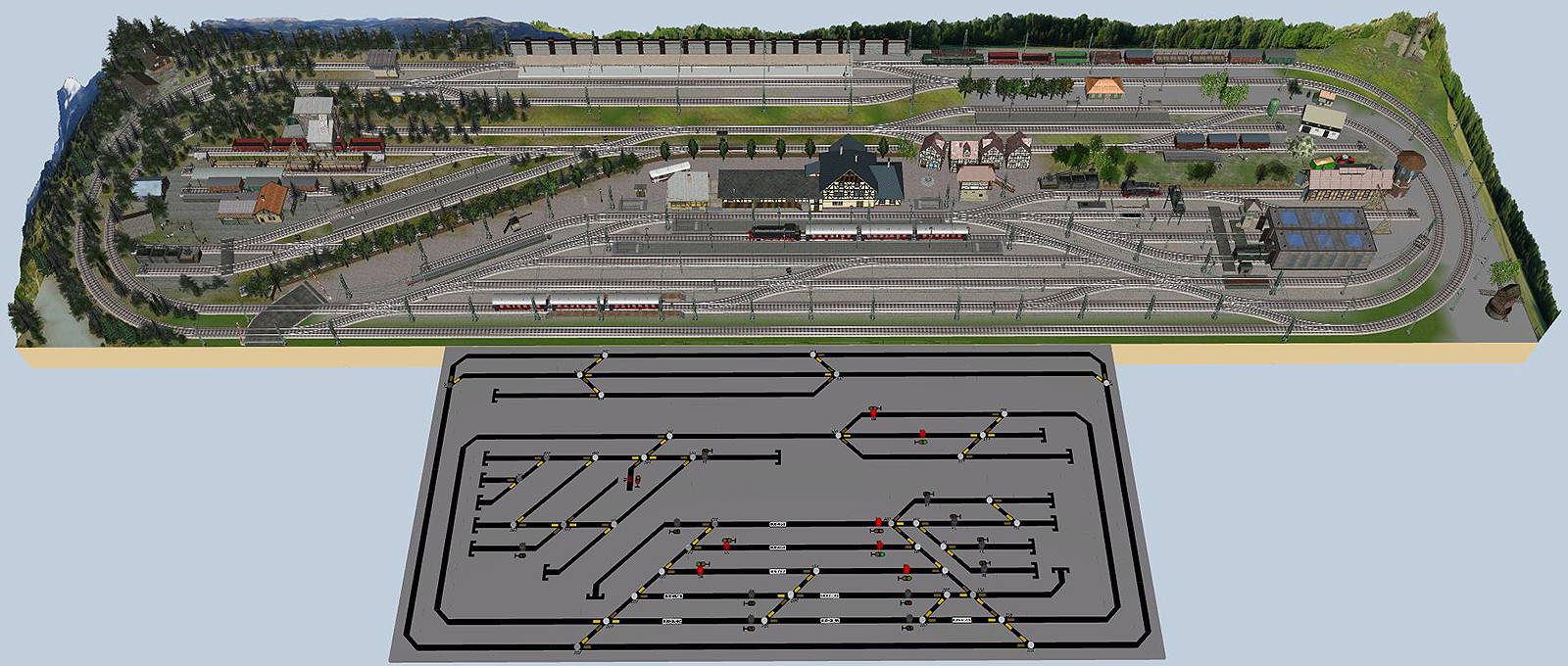
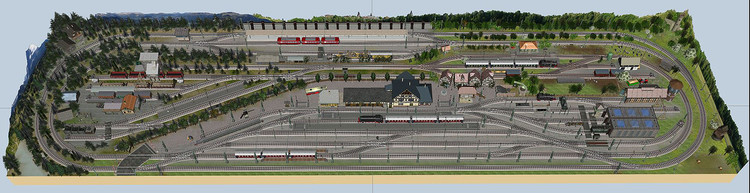
And a "State for the layout" overview
-
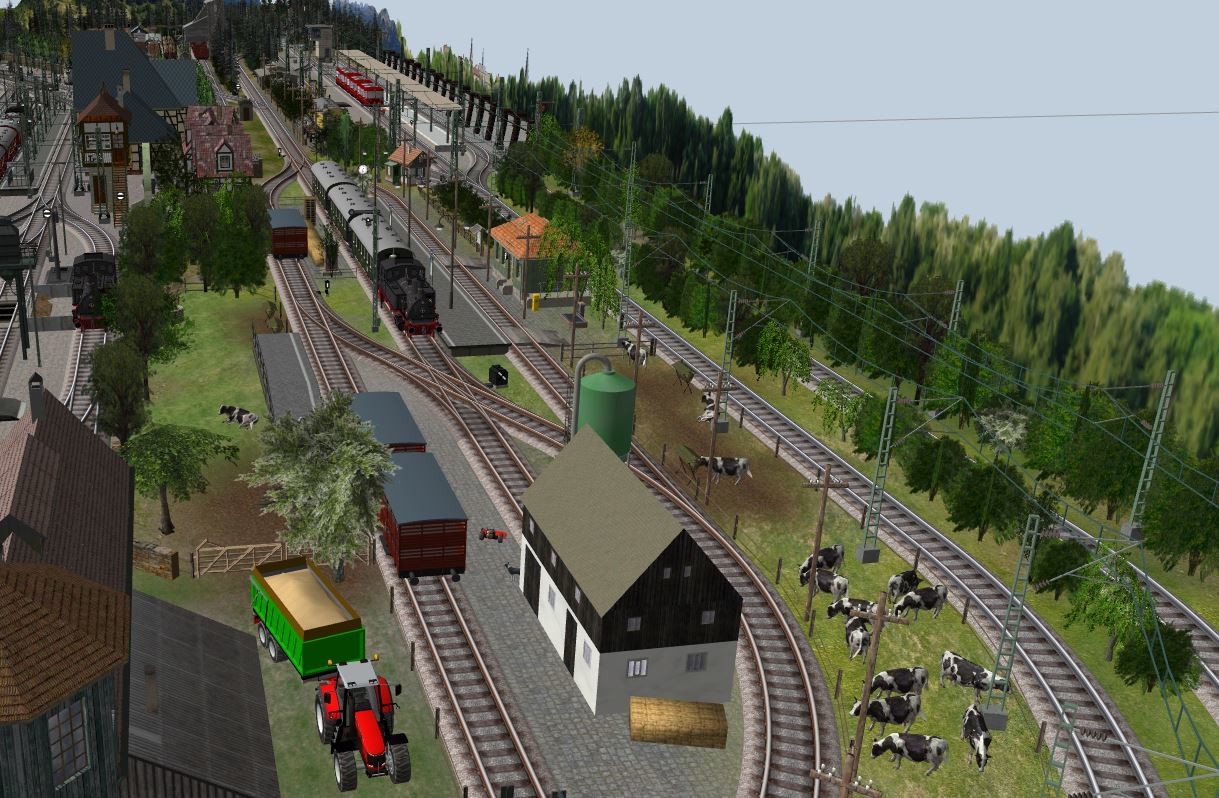
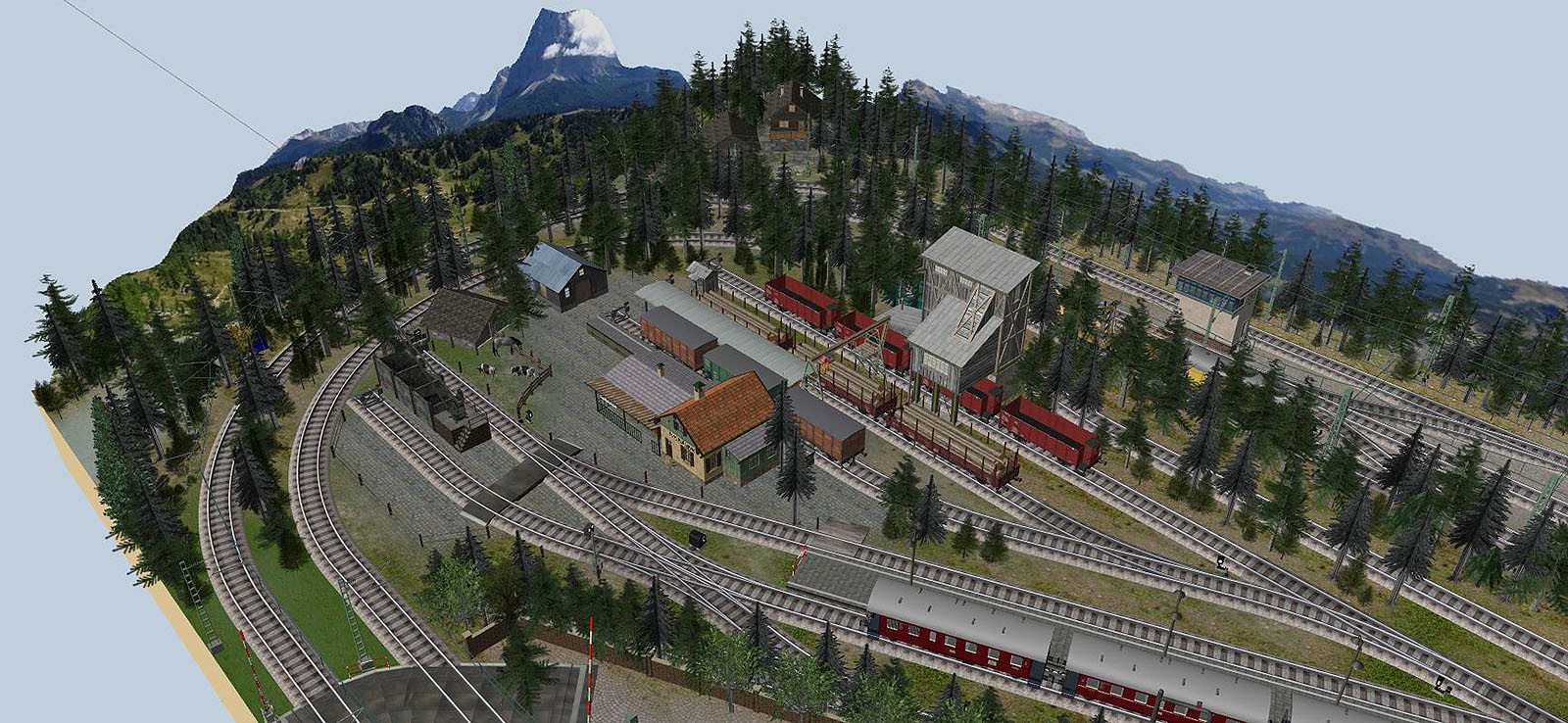
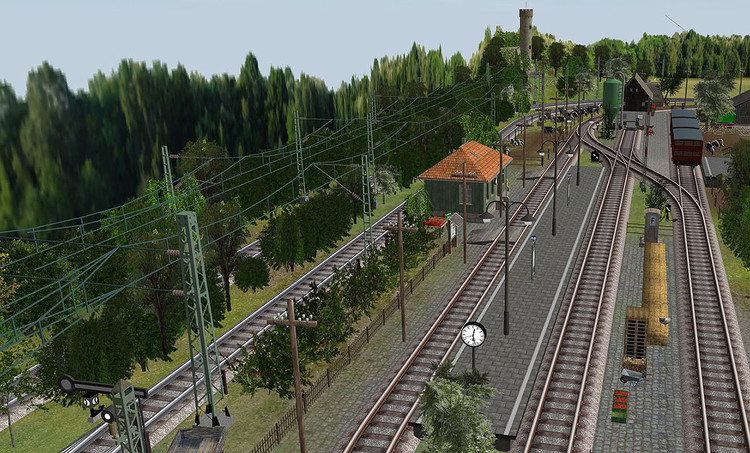
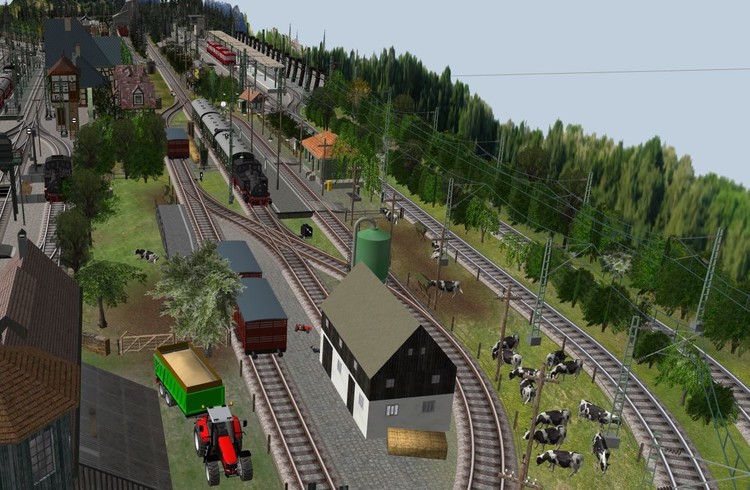
The small farm station starts to come to life.
-
Wonderful trees and scenary Brummi
-
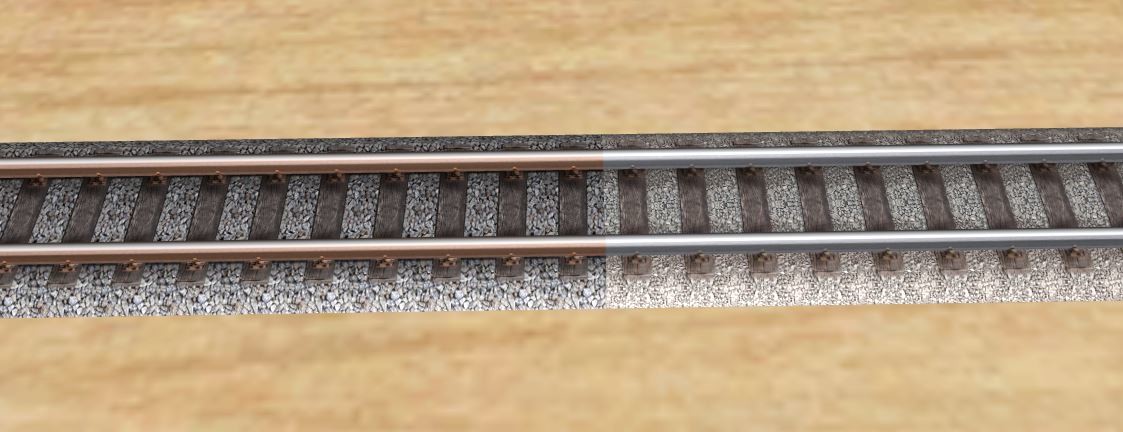
Hi all, getting to know how to create contents for this fun simulator, I have started working a bit with textures. I have worked on the basic track texture to try to: Create shading under the rails in the gaps between the sleepers. Sharpen the textures. Add rust to the rail sides. narrow the round top of the rail a bit. Adding a little dirt to the length of the tracks along the rails and in the middle of the track.


-
Ok, turns out you can export a texture template to the .dds format. And then open it in a graphics editor with a .dds import plugin ( I use Photoshop CC with a freeware .dds plugin) It opens as a 512x256x72 RGB 8 bit image. Then you can create a new texture with the right track and ballast graphics at the right positions and save it as a .jpg. This .jpg can then be imported as a track texture. Got to love reverse engineering
-
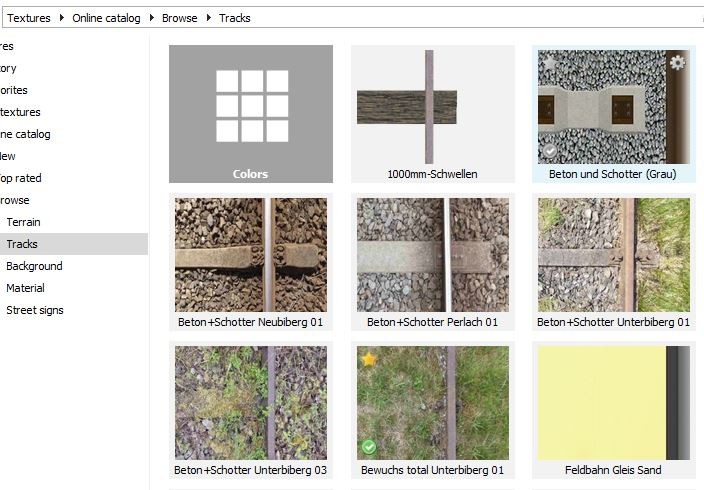
Hi all, I am new to the simulator and would like to try to make a new track texture. But I can not find any downloadable graphics template I can work on. And I cant seem to find a way to download one from the online library and then replace it with a new image. Is the such a track texture template anywhere online? Or can I find a link in a PDF guide? Kind regards, henricjen
-
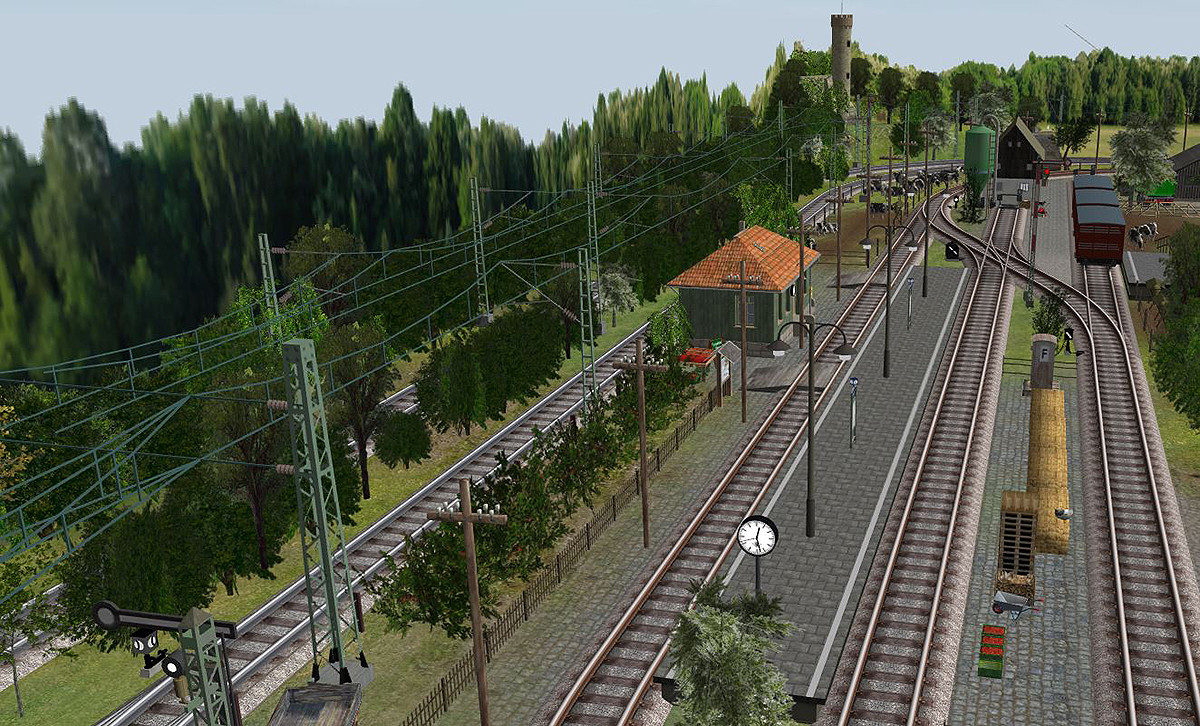
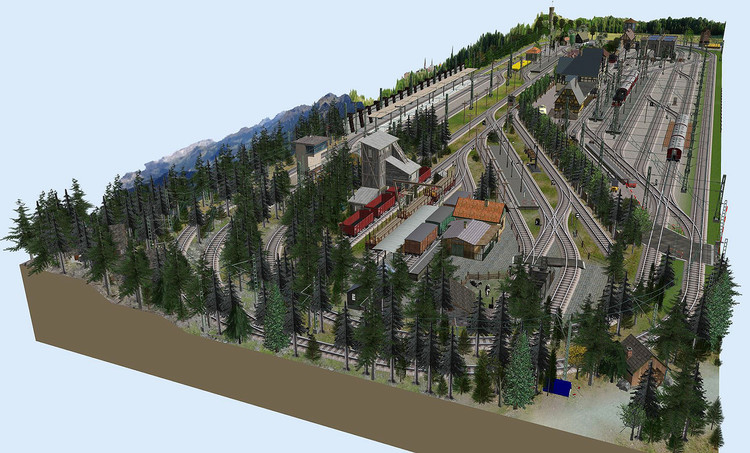
A slighty different angle...
-
Hi, love the turntable and the Gleis S49. Is the S49 available for download?
-
Hi Wustenfuchs, I certainly plan to upload it. But it will properly take some months for me to get to a "finished" state
-
Very nice track and catenary work Hans Could we see an overview of the entire trackplan?
-
Hi Brummi, your name "Roter Brummer" seems to pop up on so much on the models I choose to use. From stations to the excellent catenary, you seem to be one of the super creators here in 3d-modellbahn. Thank you for all your work That of course goes for all the creators that share their work online for us to use.
-
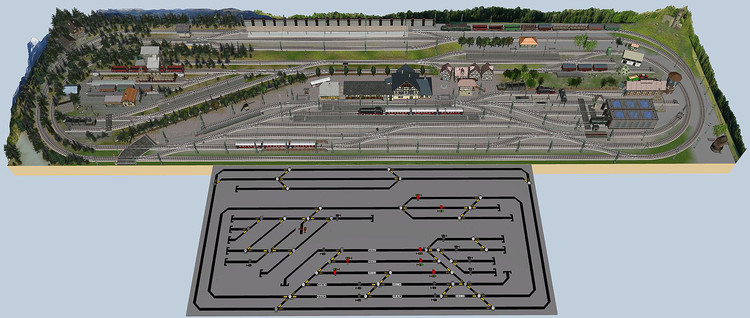
And an updated overview
-
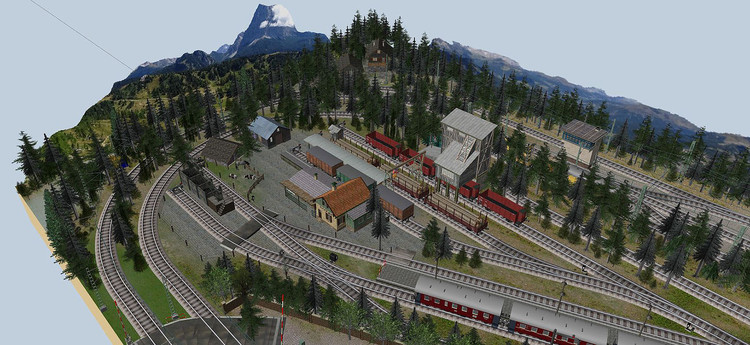
The deep forest is spreading around end station "Berg Kohlerwald"
-
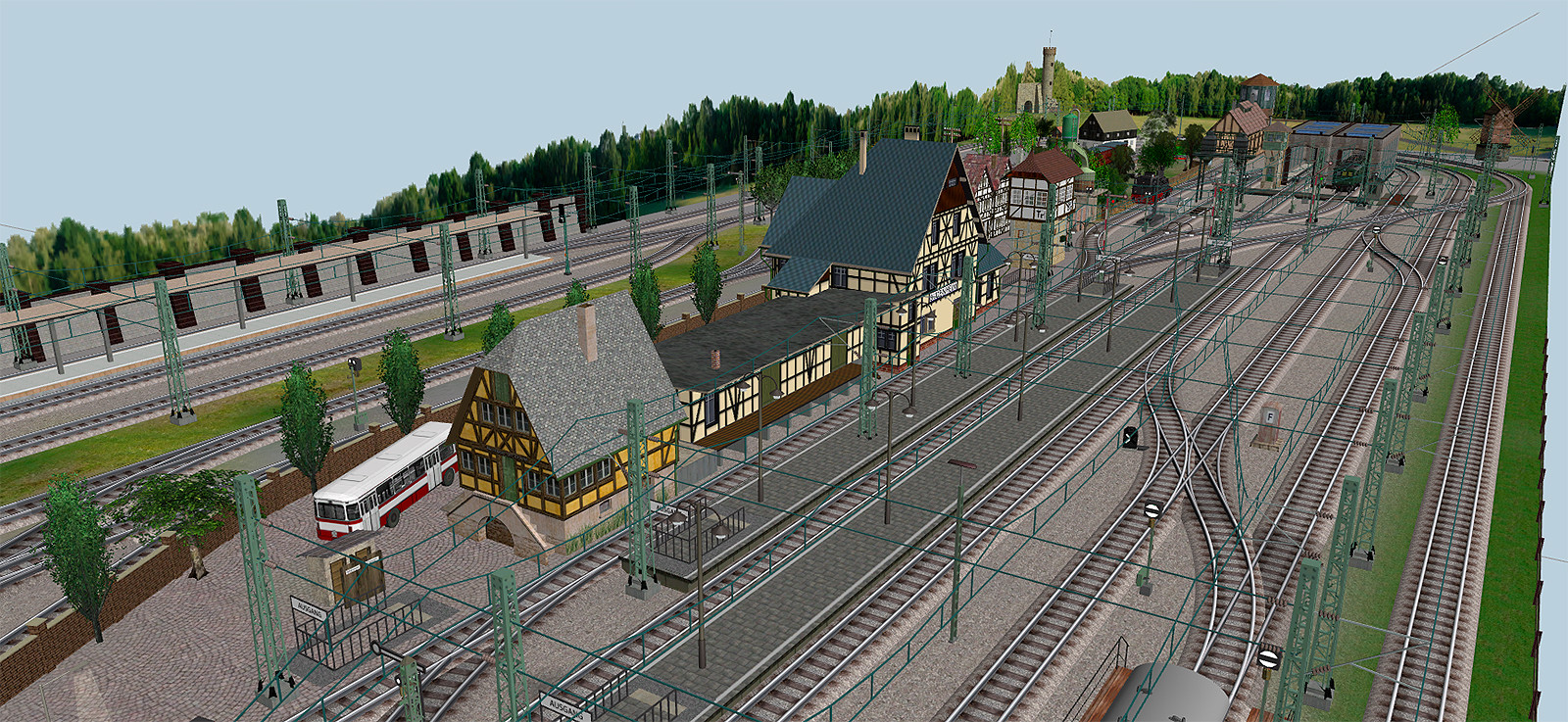
Budenheim buildings in place. Now detailing starts...