
hmclay
Mitglieder
-
Benutzer seit
-
Letzter Besuch
Alle erstellten Inhalte von hmclay
-
I Posted: however the calling event goes to the next line of code without waiting for the script to complete. Therefor, I would need to put a defer action line in to wait for the script to do it's task(s). Phrontistes Responded: OK .... I understand - it's a limitation of object-oriented language. I will continue my work arounds as others have done now that I know it's not possible. If I need to wait for a called user defined event to finish, I can handle that. I now know that I'm not mis-interpreting the use of user-defined or script-condition. Thanks to Phrontistes and BahnLand and NEO and all, for consideration and clarification.
-
If I understand @BahnLand example, it was written in Lua script language. What I was trying to infer was that subroutine call and return be included in Train Studio language . I have tried using script condition within an event, then go and perform a task and come back to the event, however the calling event goes to the next line of code without waiting for the script to complete. Therefor, I would need to put a defer action line in to wait for the script to do it's task(s). Am I explaining adequately, or do I not understand how to use Train Studio Language correctly. I am not proficient in Lua, so I only use it sparingly and mostly from published routines or very small math and crane operations. Therefore would like to have the function in Train Studio Language.
-
Here is the response after hitting Buy .... this correct ??? BTW: The Lighting effect is stunning !
-
V9 download states I can have professional version if I enter my license no. Where do I find that. Tried buying from 8.5 , wants credit card no.
-
Yes that's the layout. I submitted it to SCARM years ago. Igor Hernandez took the layout from SCARM and duplicated it in 3D Studio. SCARM was a static layout program and had just started developing a run time provision when I ran across 3D Studio. Was just hoping it was shared on this forum. The layout on youtube was presented years ago, but I will do as NEO suggested and see if he responds. Thanks BTW; I have a new Sandea and Burton in 3D Studio, but that is the one that is 7.3 MB with sound. Too large to post and I cannot post with sound.
-
Searching Youtube I found the layout Sandrea and Burton by Igor Hernandez highlighting 3D Studio It referenced a layout I posted to SCARM software years ago before finding 3D Studio. Here: https://www.scarm.info/layouts/track_plans.php?ltp=100 Can anyone tell me if this layout is available thru 3D Studio. The site did not post that very long identification number used for searching in 3D Studio. The author did a great job and I would like a copy. Any help appreciated ! Howard
-
I would like to have subroutine call/return in 3D Train Studio . Guessing it may be quite an involved undertaking. But sure would be a welcomed addition. Put a request in the supplied forum here ...
-
I would like to have the function of "subroutine call & return" in 3D-Modellbahn Studios as implemented in other languages.
-
Thanks simonjackson1964 for your suggestion. Languages I've used have all had this function so I thought I was missing the technique in this language. I'm so accustomed to it, that's how I plan some routines, then realize it doesn't work that way. Tried using script condition thinking it would give me that function, and when it didn't I thought maybe I was using it wrong. Sure would be a great addition to this great program !
-
Trying to come up with an explanation * Event: Train enters a track --- Shut off Engine --- Wait ( Defer Execution ) --- Trigger User defined Routine ( Unload Car->Pass Info) ......... Car Unloading using User Defined "Sub-routine"... Varying Lengths of time --- [ Program Waits here for subroutine (Unload Car) to finish ] ... could Script Condition be used ??? --- Trigger User defined Routine ( Unload Car->Pass Info) ......... Car Unloading using User Defined "Sub-routine"... Varying Lengths of time --- [ Program Waits here for subroutine (Unload Car) to finish ] --- Repeat as Needed --- Start Engine --- Depart for places unknown --- End of Event Hope this helps .... I've used this technique in other languages using sub-routine Calls/Return ... so I'm accustomed to it Can it be accomplished .... what techniques do others use. The only technique I've used is "Defer Execution " between "Trigger User Defined Event" commands ... Guessing short causes issues , sometimes difficult to track down ! Thanks for all responses ...
-
I would like to : Be executing an event ( "event A" ), and while in the middle of that event .... Jump to "user event B" .... presumably by using "script condition" then .... return to "event A" and continue while "event A" was paused and waiting. effectively ... causing "event A" to pause until return, which could very in time depending on a condition. If it can be accomplished I'm missing the technique syntax. Any help will certainly be appreciated.
-
When I started .... my opening statement was one of those post was : Best Practices for Optimizing Large Layouts in 3D Train Studio? I Must have thought because of that my conversation was a continuance of the subject. In one post I read that it took a "Powerful" computer running windows 11 to achieve good FPS ... so when I purchased a new computer I was surprised that I only gained 6 to 10 frames p.s.. So I thought I was not configured correctly. Been searching for answers .... As I stated in those post ... monitoring the activity of the CPU and GPU with 3D Studio running, only 10 to 15% of their capability is being used. So naturally configuration was suspected. That is why I stated to ask question ... and "assumed" (not justified) that the subject was around "Large Programs". I still am surprised that 3D Studio is using so little of my graphics capability. And as @alexander42 stated Just exported the file .... it is 7.24 MB ...
-
Thanks for the input and help. Your conclusion seems accurate . I was surprised that my new computer wasn't more than 10 frames faster than my laptop type computer. As you noted, MBS is ongoing and as we challenge its capability future releases may take more advantage of computer resources and provide improvements. Meanwhile, I'm enjoying its use while learning its capabilities. Thanks a bunch
-
Ran the program you suggested. Hit restore from NVIDIA Control panel, nothing else. FPS 352 Score 8870 Min 12 Max 713 My monitor is connected via HDMI wireless , don't know if it has any affect. Running programs supplied by MBS i.e. "Recent Layouts" , I run 60 FPS (Monitor Speed) The one that runs slow is my current layout. Cannot publish because of sound files. It is very animated.
-
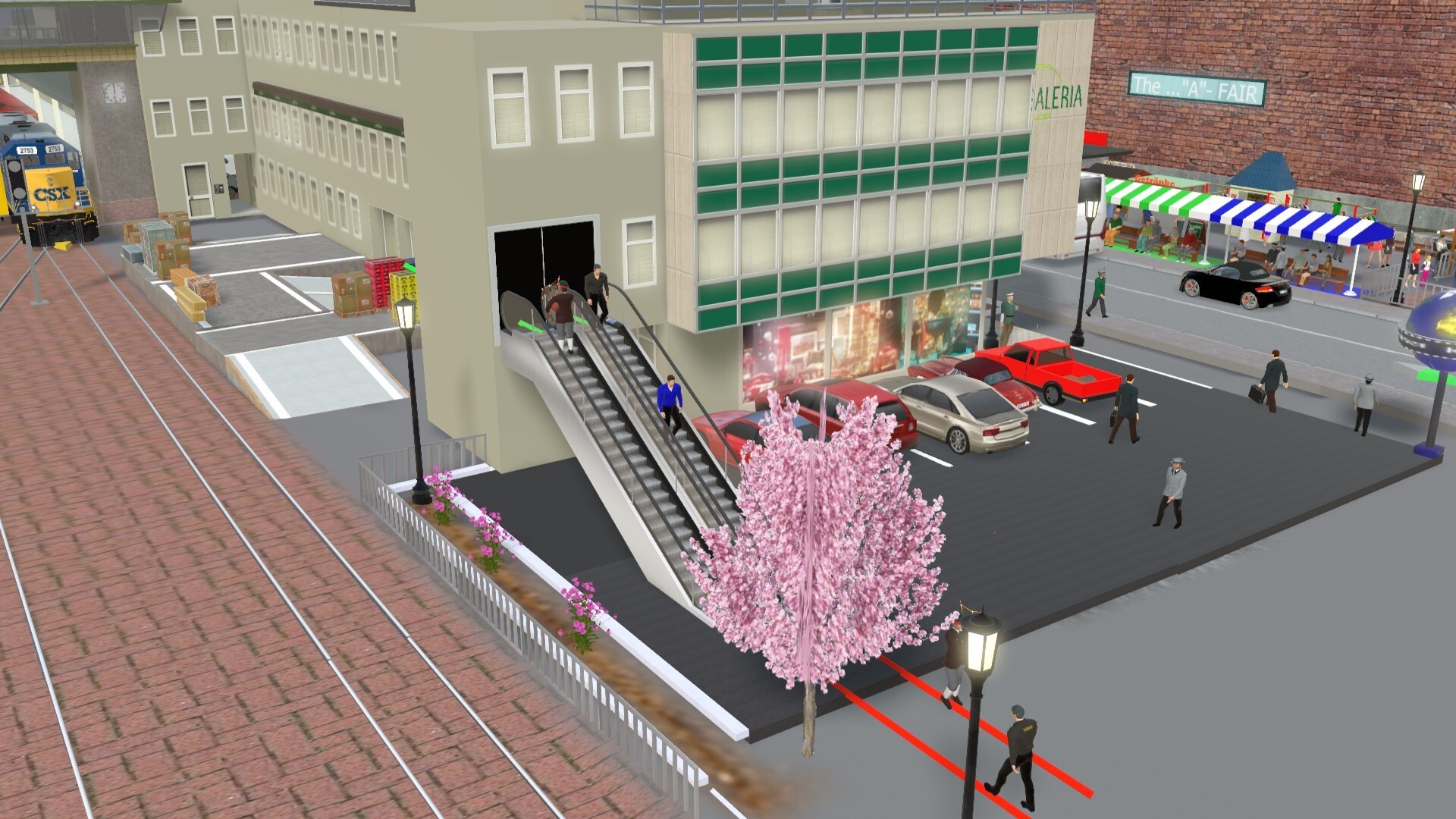
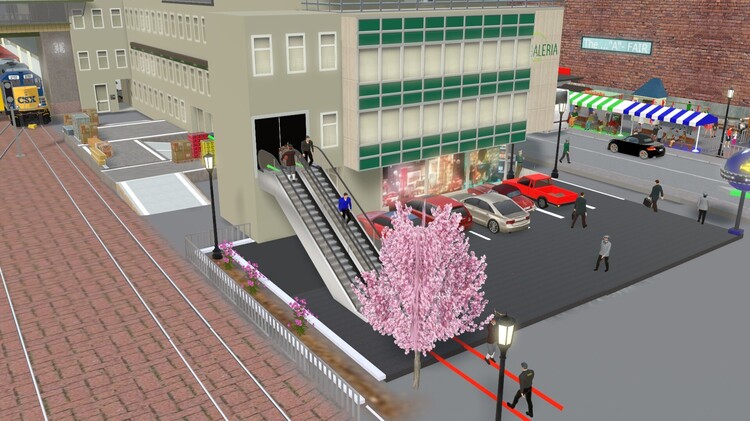
Again thank you for the link to the layout of @opax Great Layout and animation. Fascinating the way the people climb stairs. Never even gave that a though. Elevators with people going in/out + up/down is the way to do it. That layout gave me a lot of ideas. Some people are so clever and creative !!!! Also thanks for the heads up on posting members names. I was wondering how that was accomplished. But how do I omit the @ @hmclay
-
As much as this program is capable of, the manual will be quite large but worthwhile . In the meantime, maybe some hints and tricks publications from those in-the-know !!!!!
-
Included in layout ... first step ! Thanks for the link !
-
alexander42 ... thanks for the suggestions. Downloaded latest monitor drivers , changed suggested options however .... still at 13-16 FPS. Don't have a clue what is going on but still enjoying the program as is. Thanks again !
-
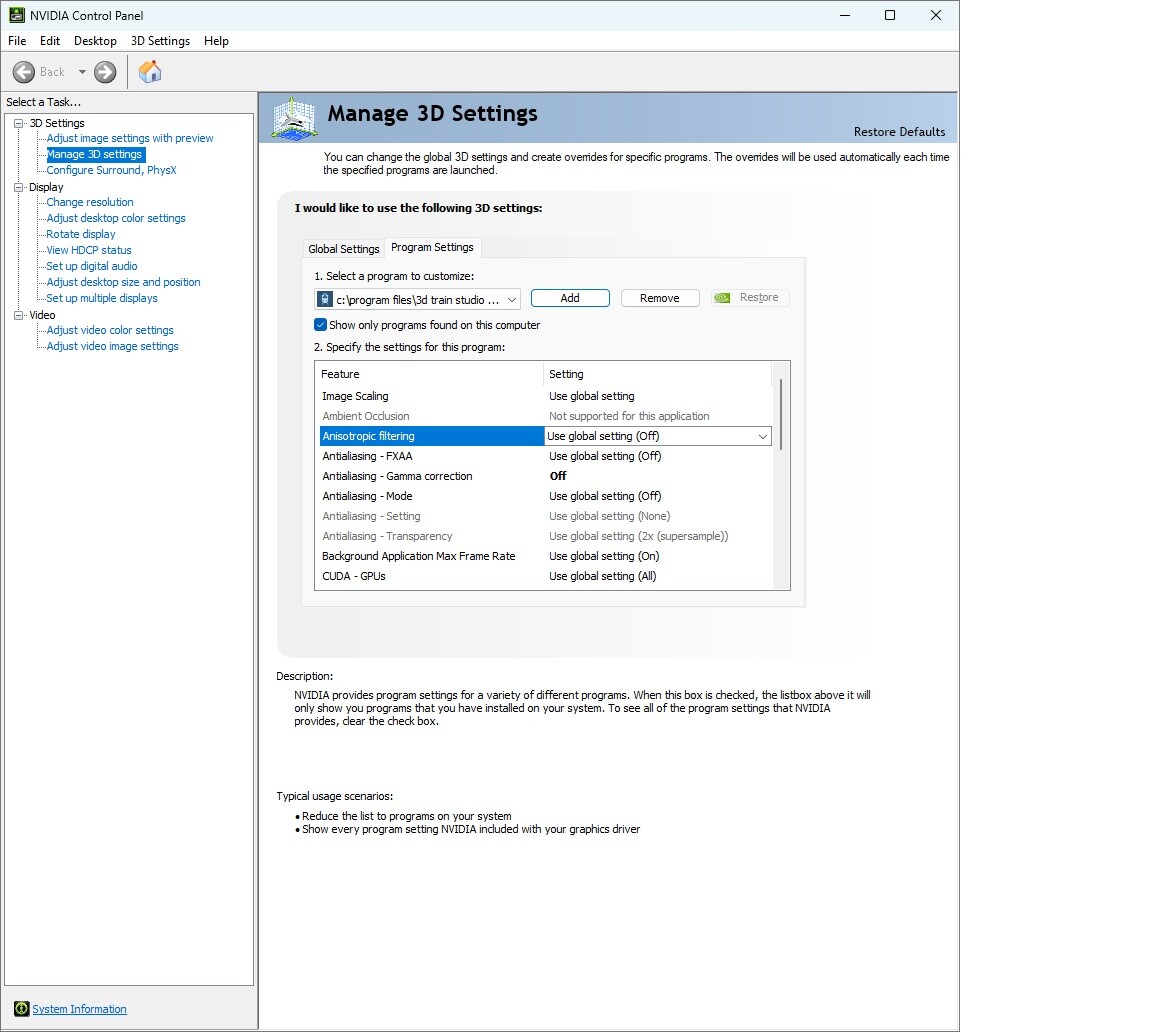
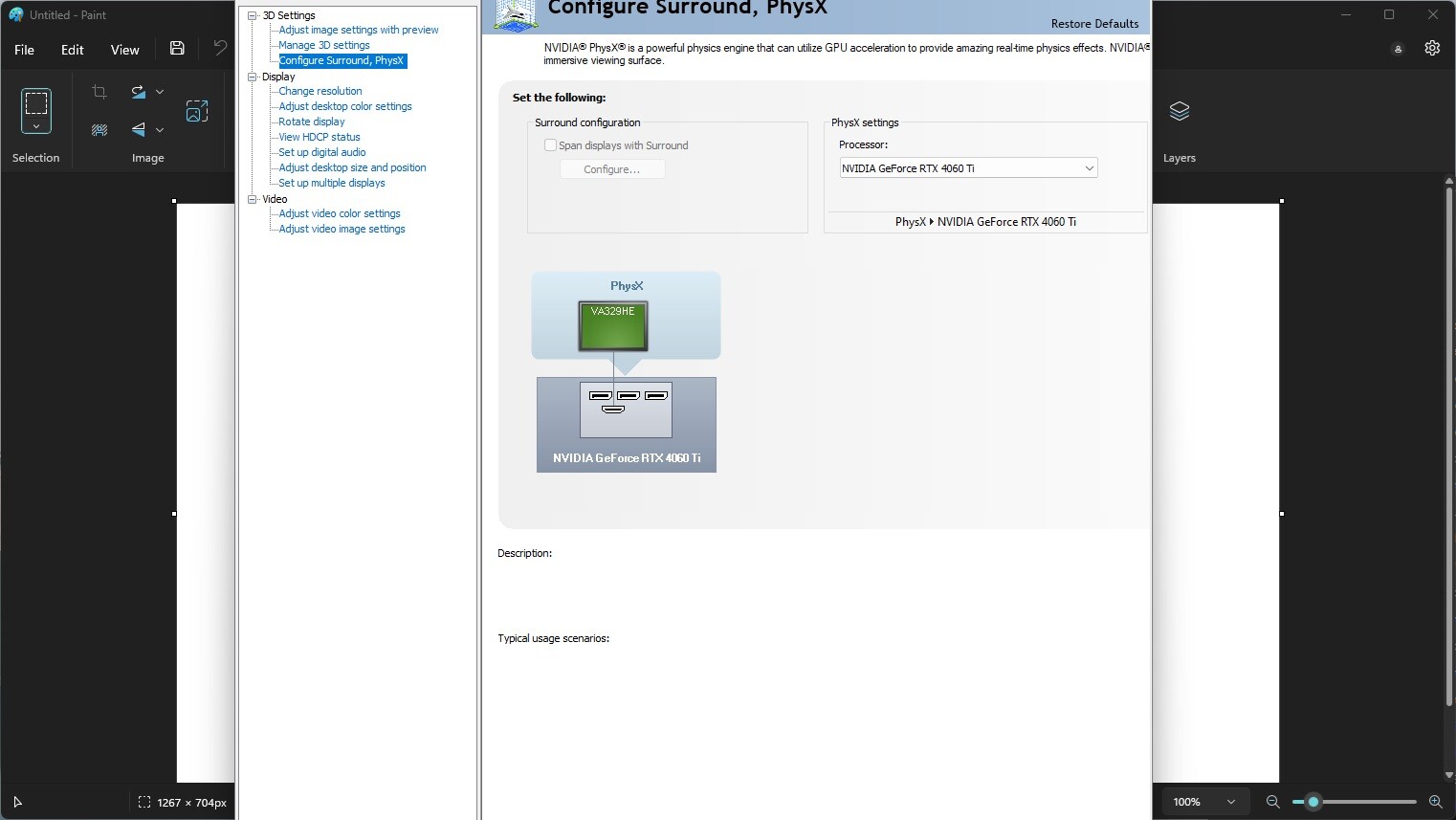
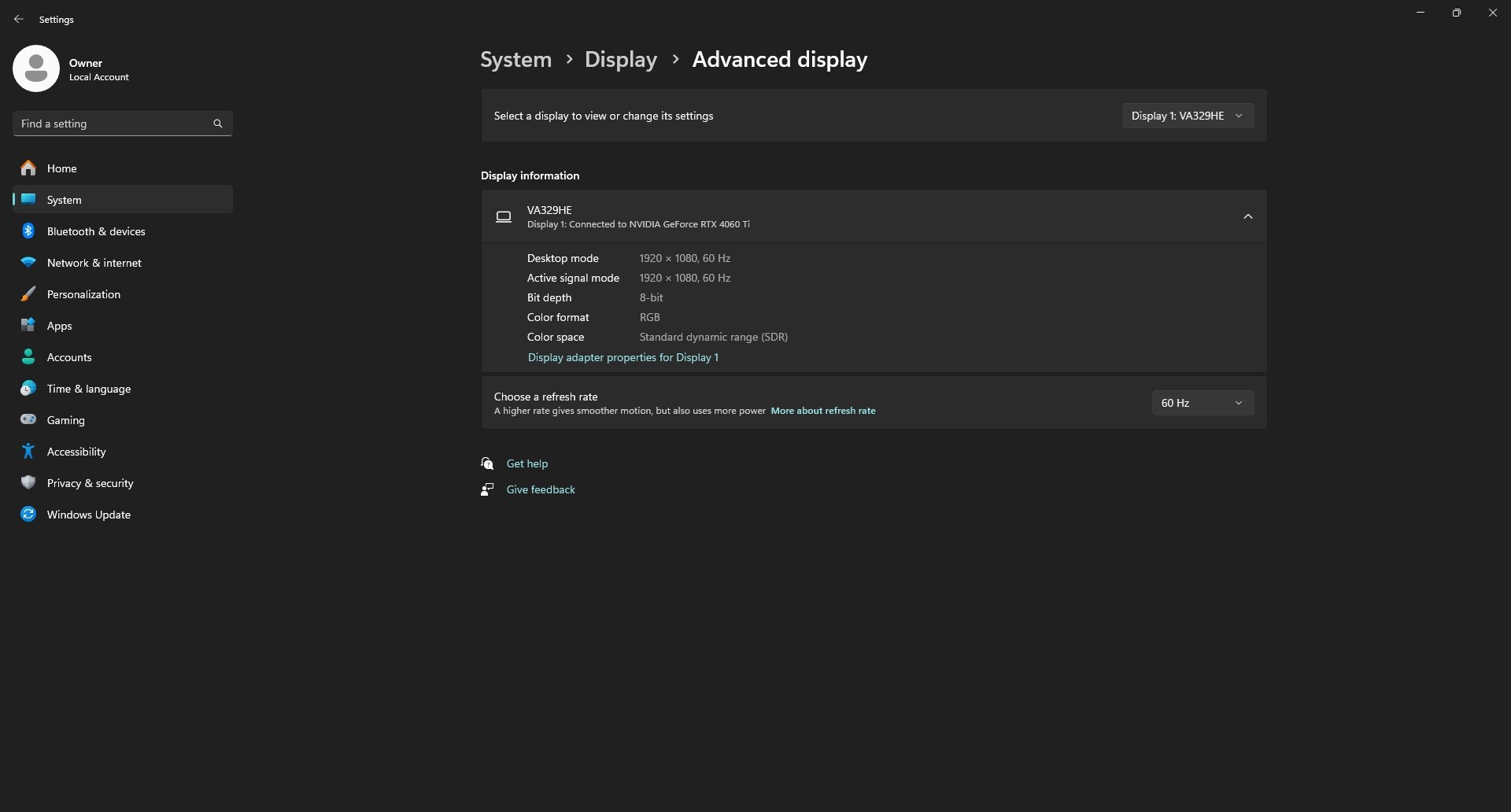
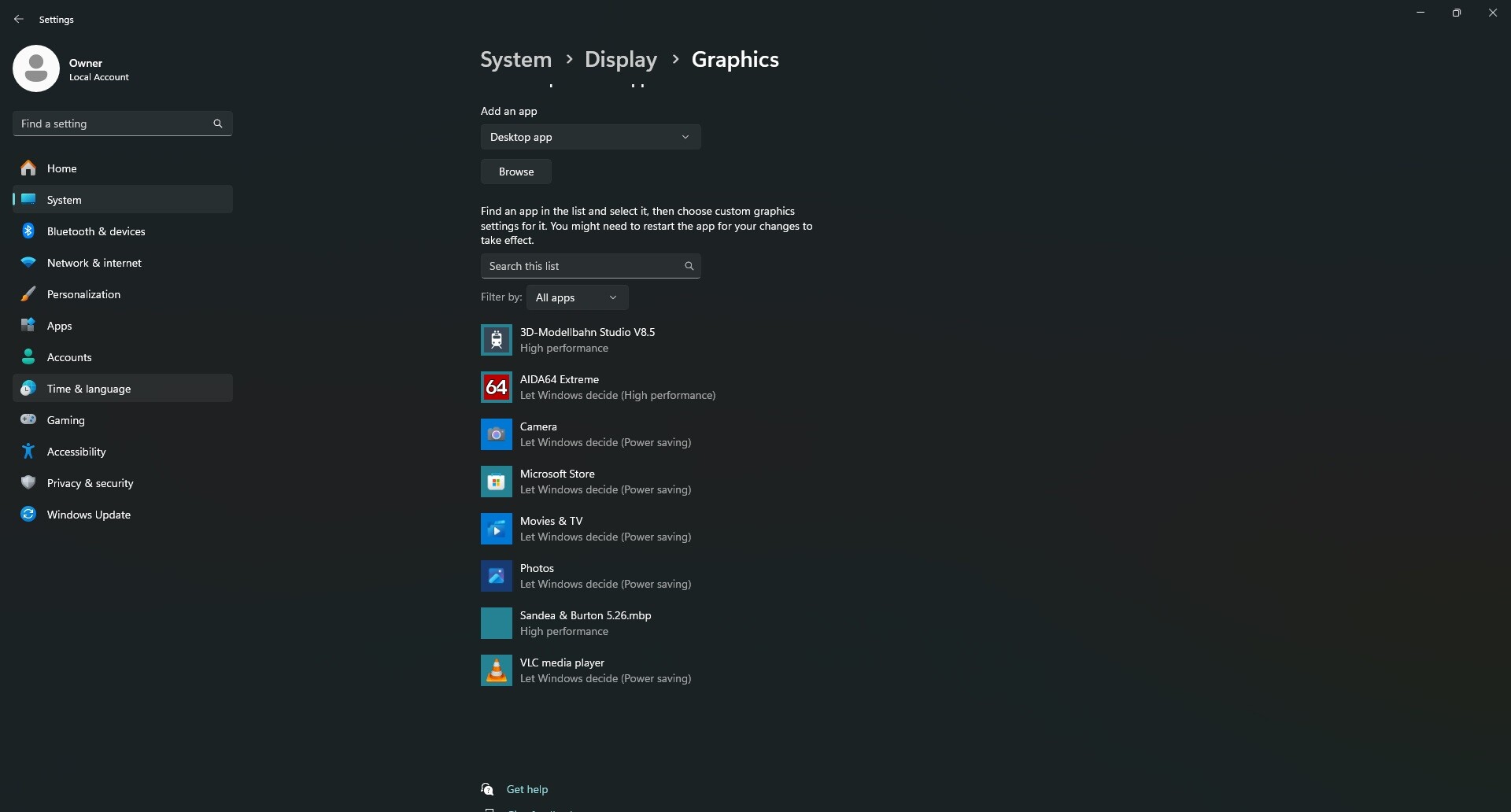
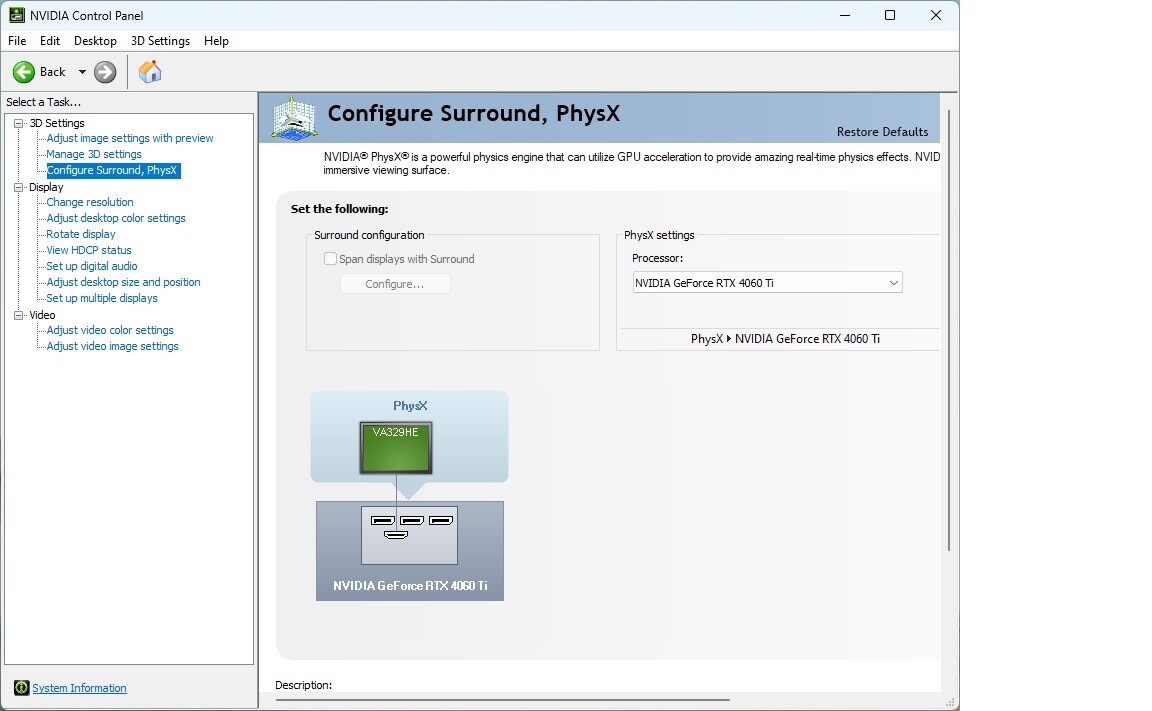
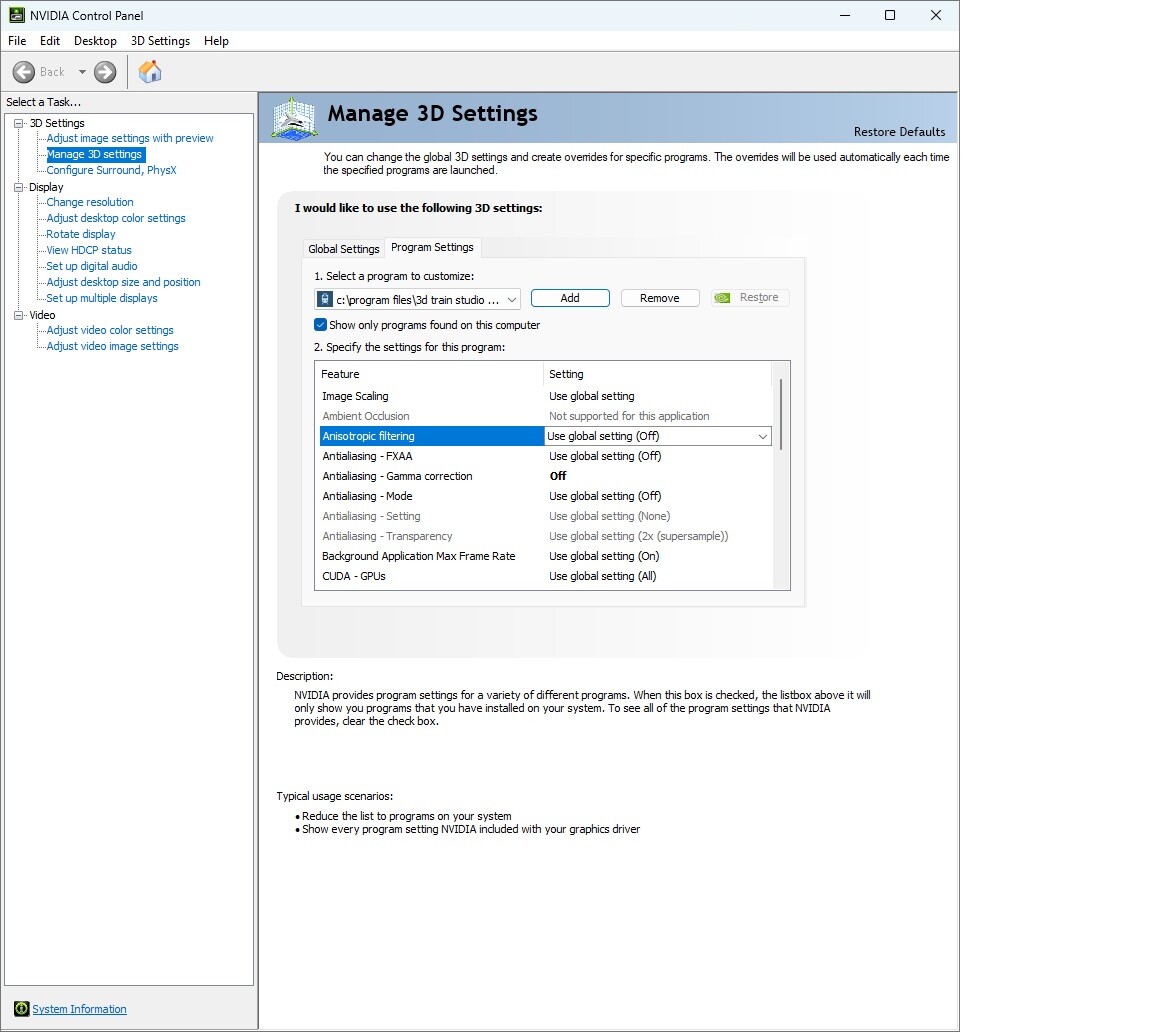
Neo, thanks for the quick response ! The Nvidia 4060 Ti card Direct X 11 level 11, is listed under graphics of 3D Train Studio. Provided some screen shots of settings ... Am I missing something ????


-
As I've noted in a couple of other post, I recently purchased a gaming computer to replace my 10+ year old All-In-One computer ... since I was only experiencing 6 FPS on my busy layout. To my surprise my frame rate only increased to 16 . I would be delighted to have 30-35. Using monitor programs, with 3DM running my CPU and GPU are only at 10-15% capacity. Setting graphics to low and/or off in both 3DM and Nvidia software does not change the FPS only the graphics quality. Less "busy" layouts provided thru 3DM max out at 50 ... only larger more graphics intensive layouts seem to be affected. Any thoughts .... MSI Desktop Computer, intel i7 32 GB Nvidia 4060 Ti w/ 8GB Windows 11 DirectX 11
-
I'm flabbergasted ..... Hats off to Eggu ... how did you even think and come up with that solution ... and where did the escalator come from ? Thanks Phrontistes for sharing that ! I've got to include that in my layout !!!!!!!
-
Ran into the same problem .... There is an animation option that causes the windows to go opaque. So what I did just to do something was, when the doors close the glass goes opaque the people disappear when the doors open at the other end, the glass goes clear and the people appear (second identical set) Not what I wanted, but all I could think of. Now, how do we get them to walk in and out ???
-
I'm that one person ... been fighting that scenario for quite some time ... bingo a solution I overlooked ! Thank you simonjackson196 BTW ... your scenery and layout looks incredible
-
simonjackson196 ... I'm delighted you are not quitting ! I have enjoyed your input and perceived enthusiasm in the past. You would be missed if absent from this forum. I hope your new layout proves to be an enjoyment to develop !
-
I,m experiencing low performance also New gaming computer running 13 to 16 FPS max no matter if graphics settings are low or high. Would be satisfied with 30-35 FPS ... then there is little "train Stuttering" MSI intel i7 32 Gbytes memory Windows 11, Direct X 12 Nvidia 4060 Ti with 8 Gbytes 2Tb disk