.JPG.60f131f7d73de70dfed09e53715d9cf1.JPG)
220hotwheels
Mitglieder
-
Benutzer seit
-
Letzter Besuch
Alle erstellten Inhalte von 220hotwheels
-
.thumb.JPG.db71e80c18a1e29c0c0c755d8e11cccd.JPG) Thank you for getting back to me. I have checked my internet and there appears nothing wrong there. Ultra fast broadband with both download and upload speeds of 104mps. This particular computer runs a number of high end programs all without issues. Until Sunday I had no problems with MBS, everything ran very quickly. This makes me wonder if in uninstalling V8.5 it has caused an issue with V9, hence my thought to uninstall V9 and then reinstall it. I have all layouts backup independently of the computer. Kind regards Peter
Thank you for getting back to me. I have checked my internet and there appears nothing wrong there. Ultra fast broadband with both download and upload speeds of 104mps. This particular computer runs a number of high end programs all without issues. Until Sunday I had no problems with MBS, everything ran very quickly. This makes me wonder if in uninstalling V8.5 it has caused an issue with V9, hence my thought to uninstall V9 and then reinstall it. I have all layouts backup independently of the computer. Kind regards Peter -
Following on from my comments and observations above. When logging in it can take up to 16 seconds for the licensing wizard to move allowing me to input my email and password, getting on to the forum takes around 18seconds, copy and paste an item already in the layout 18seconds, select an item from the catalogue 18 seconds between each category and so it goes on. None of these were issues up and until last Sunday. The only thing that I can recall having done on Sunday was to uninstall V8.5 as I no longer use this. Your view on these matters would be appreciated. Thank you Peter
-
@Neo Good evening Neo In the last few days I seem to have developed some issues when running the program. Loading the program from the app takes longer than normal. I enter my email and then have to wait several seconds before I am able to input my password. Once in the program it takes much longer to load a layout than it did a few days ago. In the same vein selecting items from the catalogue also takes much longer than it did, as does copy and paste from items already in the layout. Backing up has also become a much more protracted affair. If I load a layout directly from the backed up copy in the directory it loads quickly. This brings me to conclude that I might have an issue with the program and wonder therefore whether I should reinstall the program in an attempt to resolve these issues. Before doing so I would like your opinion please. Clearly there is something not quite right. What with things taking much longer to process or the screen going very pale and the program temporarily not responding I need to do something. For your information the directory that I back up to is C:\Users\pboye\AppData\Local\3D-Modellbahn Studio V9\Catalog. I had an issue with this recently and added the word Catalog at the end assuming that this had been there before. Is this where the problem lies? Your advice on this and a possible way to resolve it would be greatly appreciated. Kind regards Peter
-
Hi @SualokinK Yet again 2 more superb models to add to the ever expanding catalogue. I like that you have made the personnel doors open and close, a much need touch and one that all future model buildings should have. I'm not too sure about the comment by @Thomas_103 about the 'gates', I assume he means the doors, being too low and too narrow. All of my fire engine drivers are extremely competent and can navigate said doors without incident!!!! Great job, many thanks Pete
-
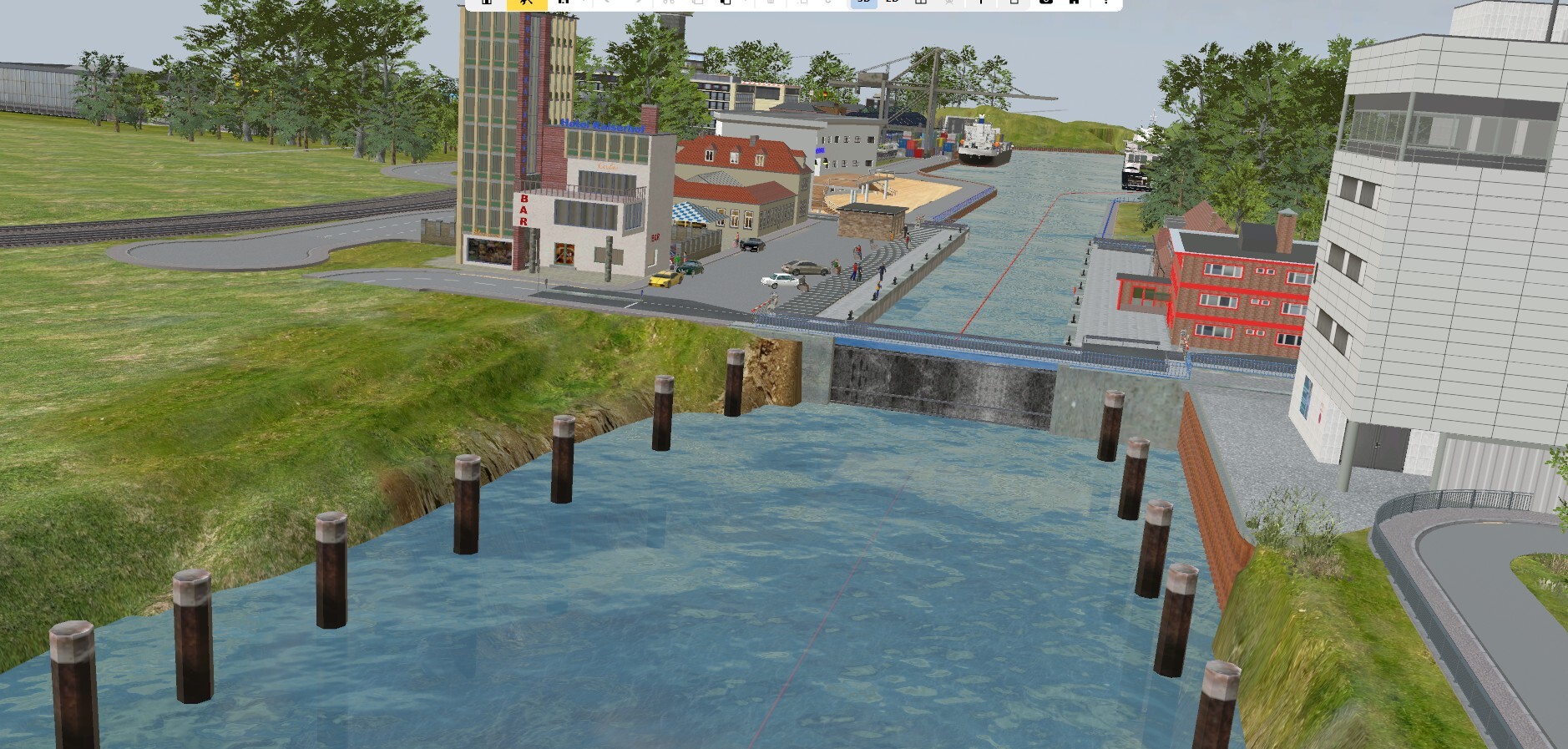
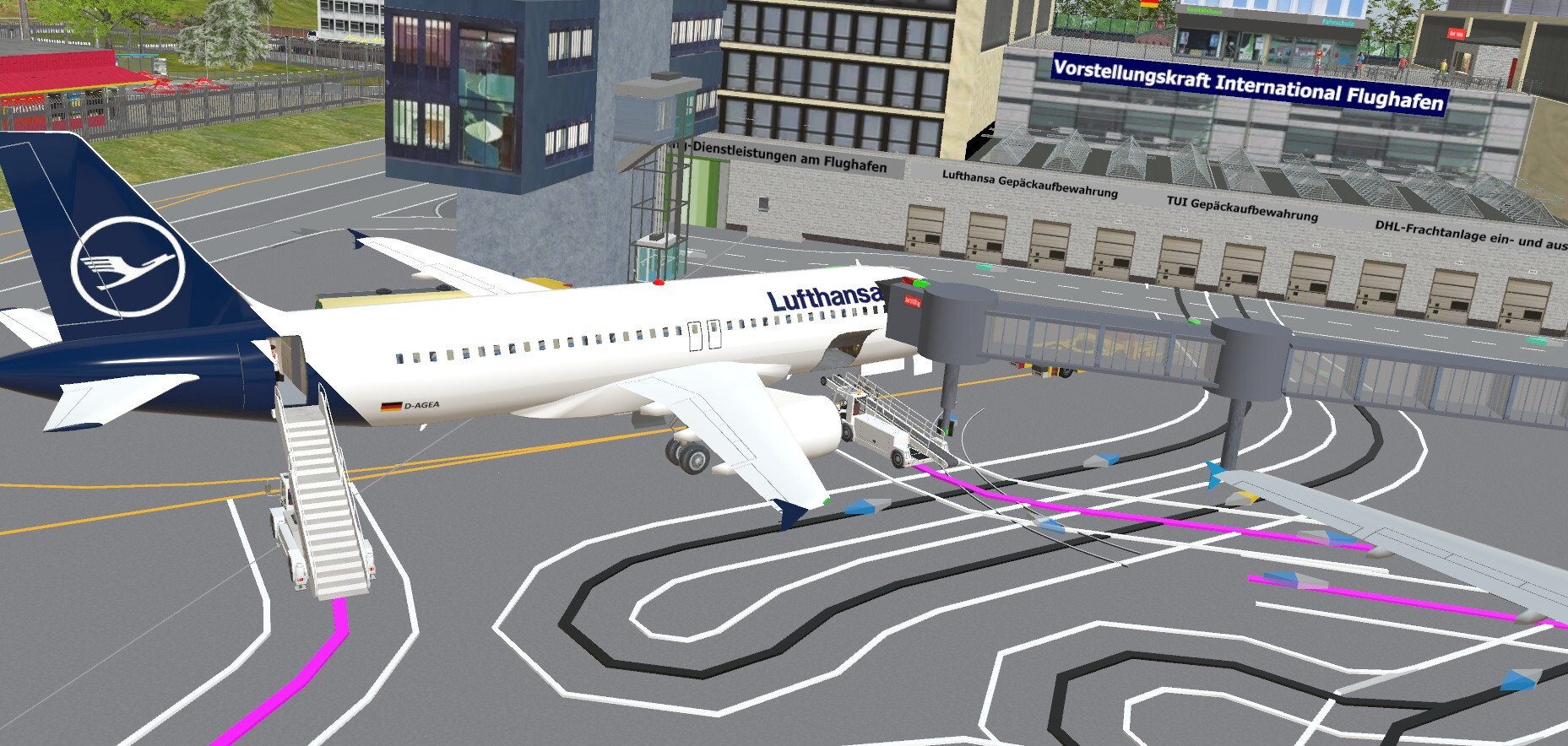
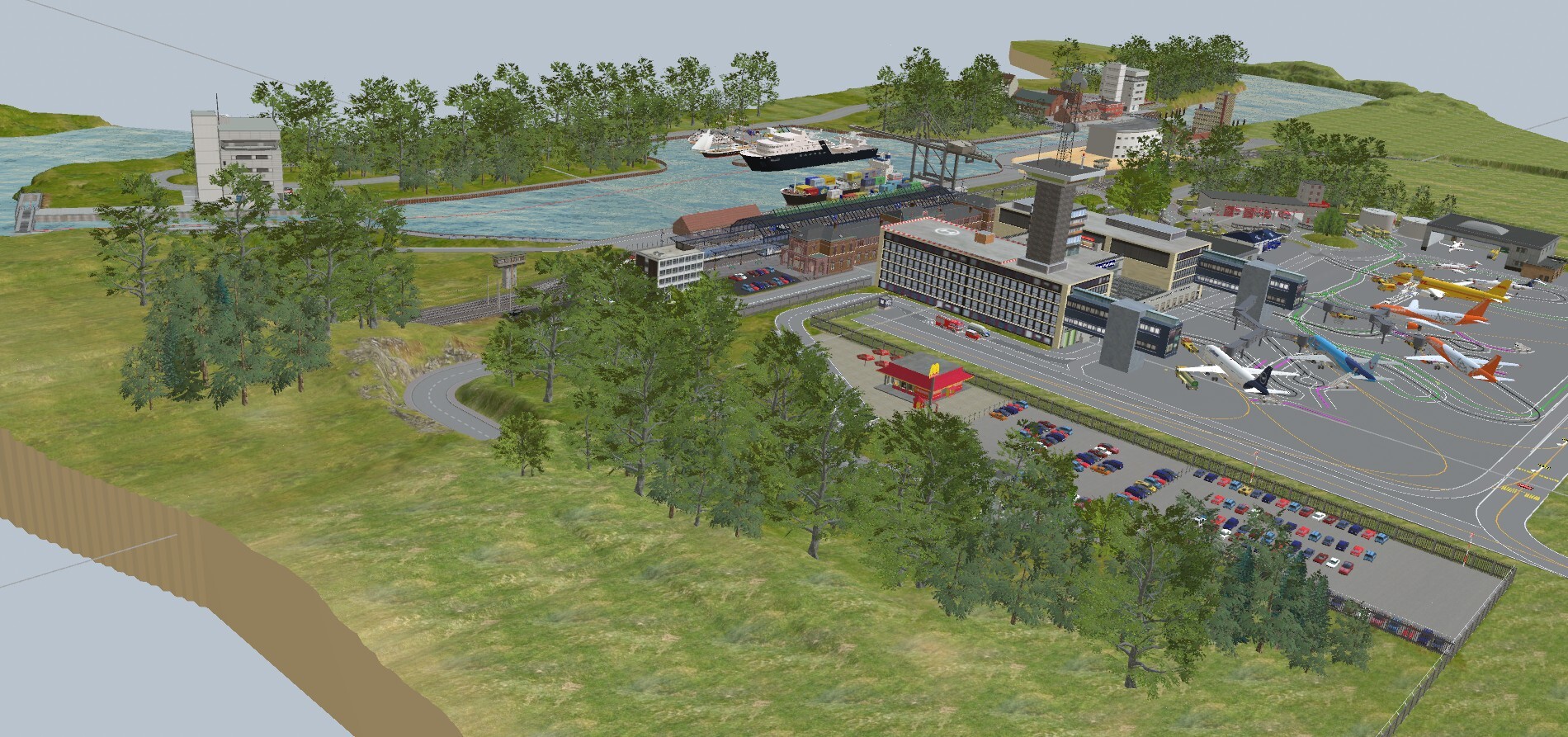
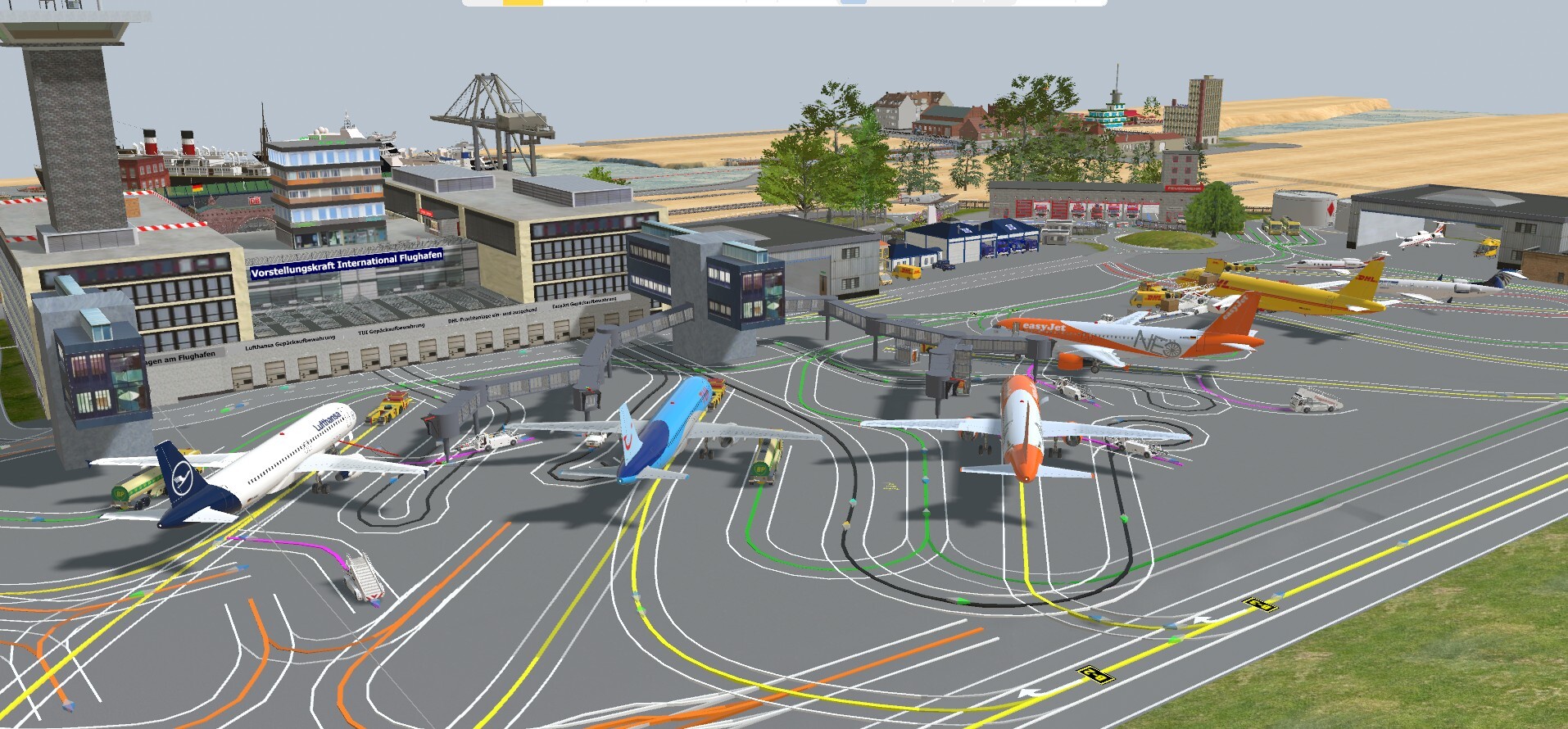
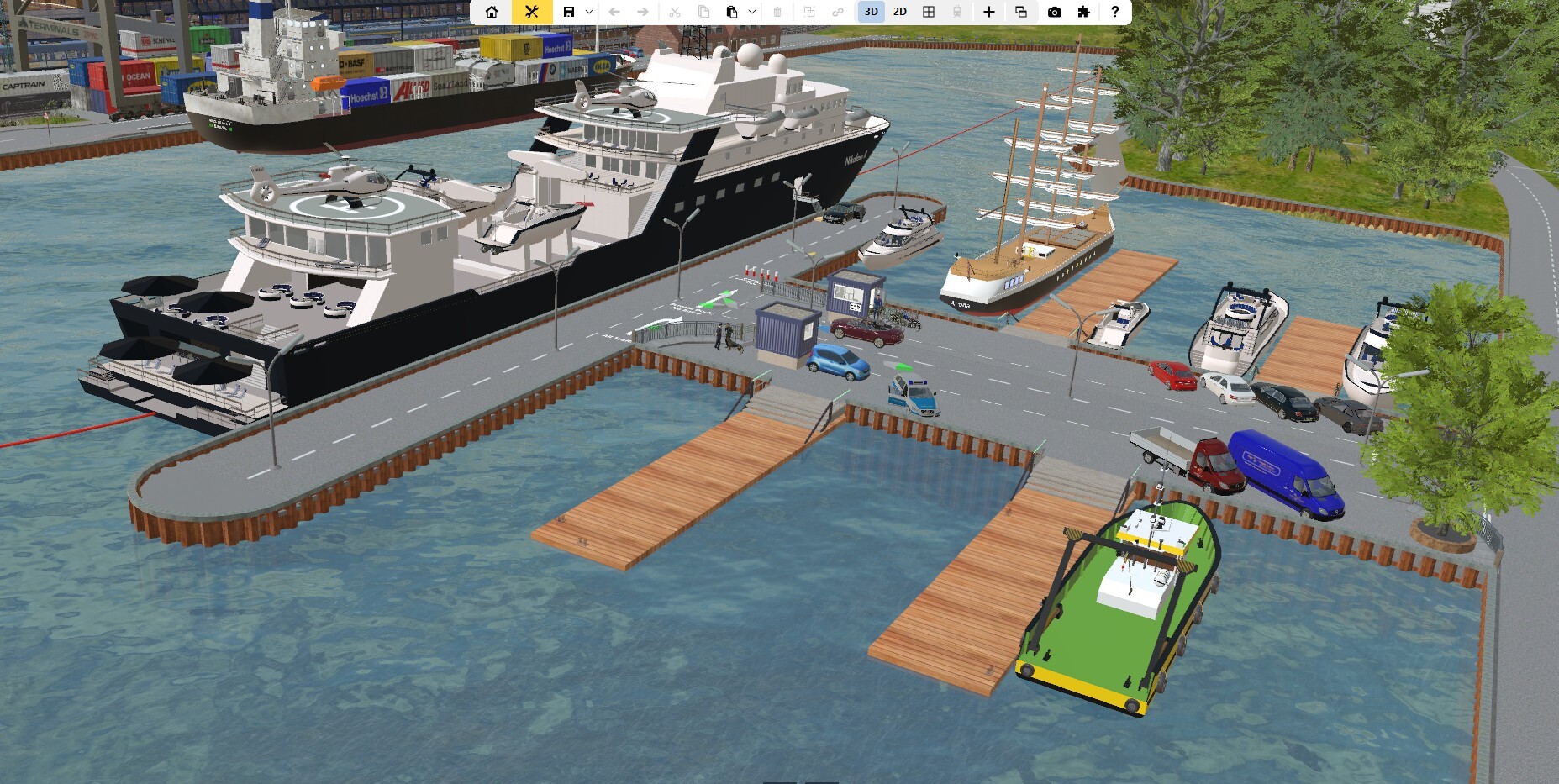
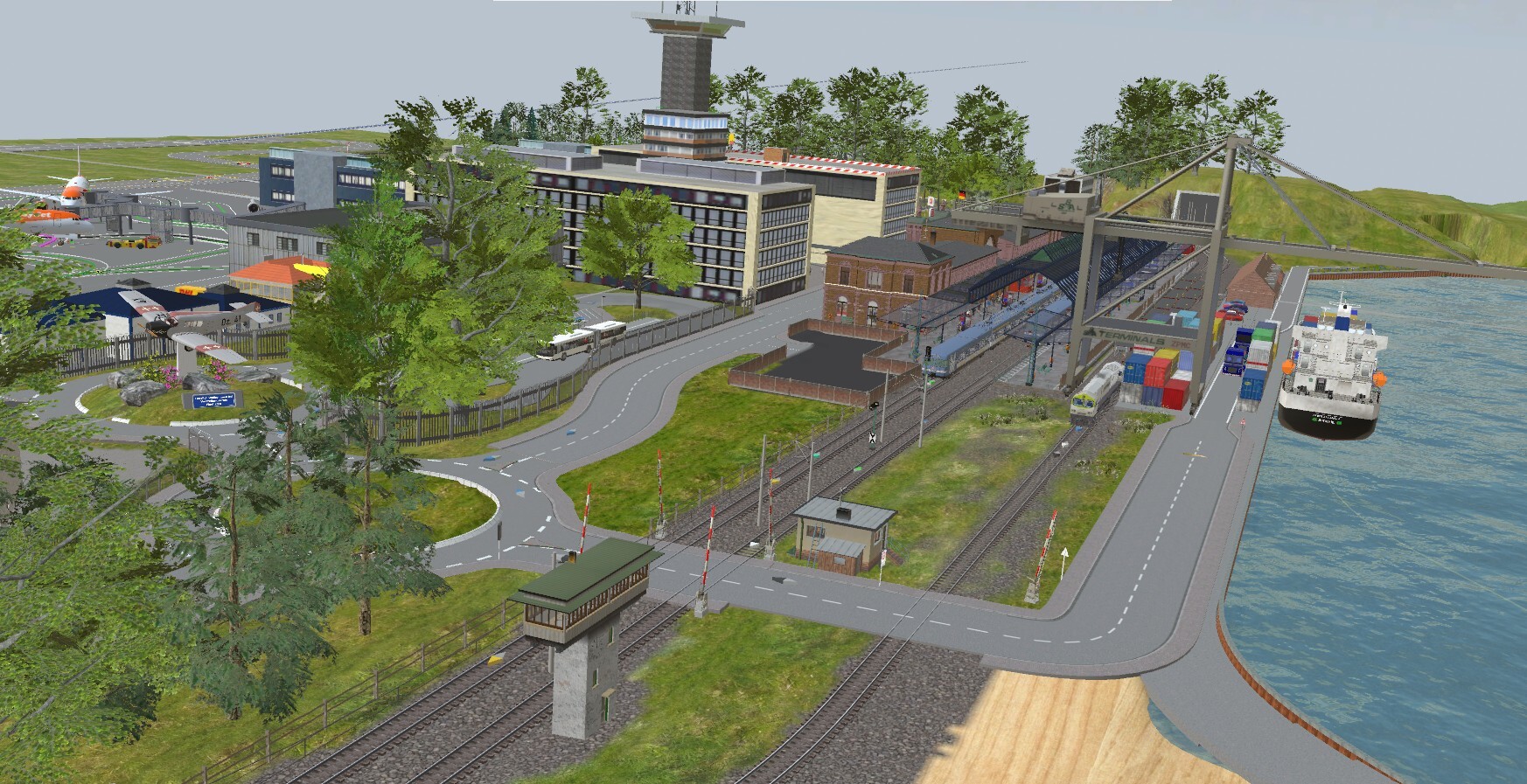
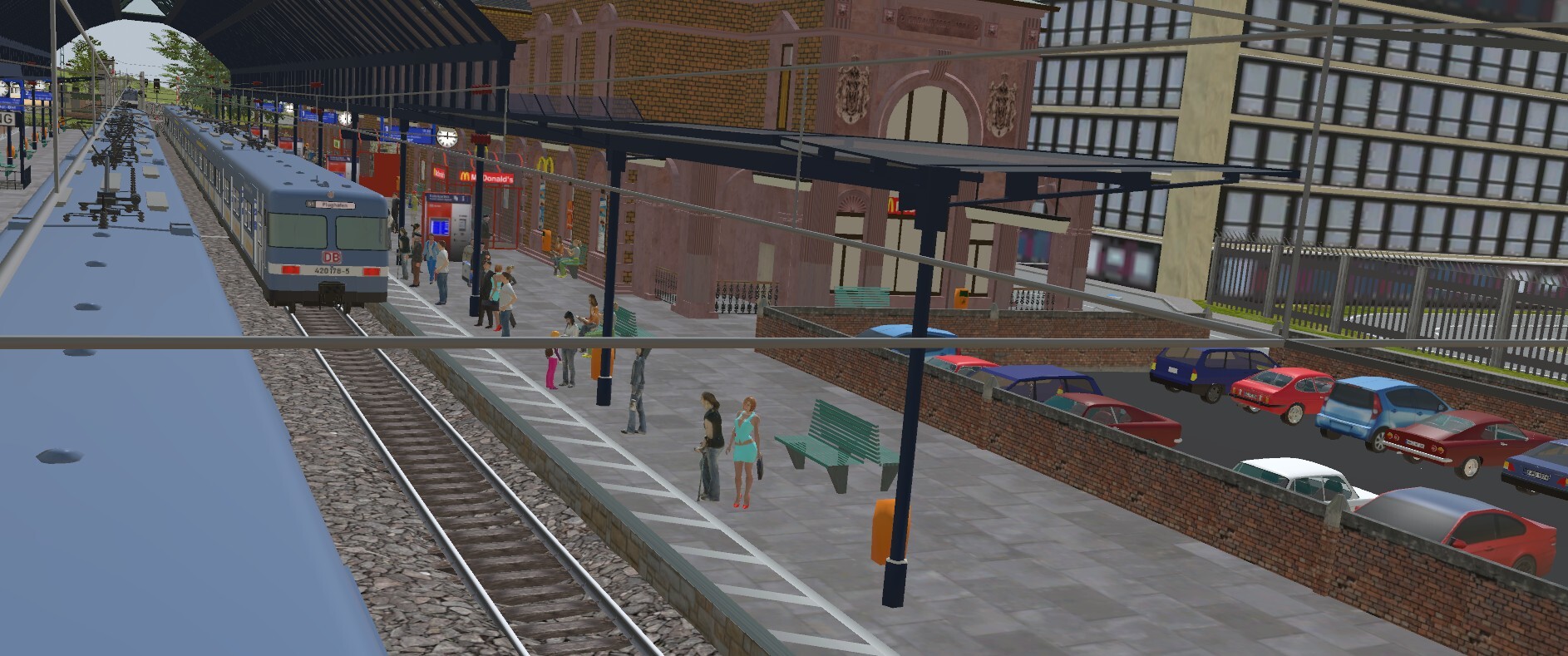
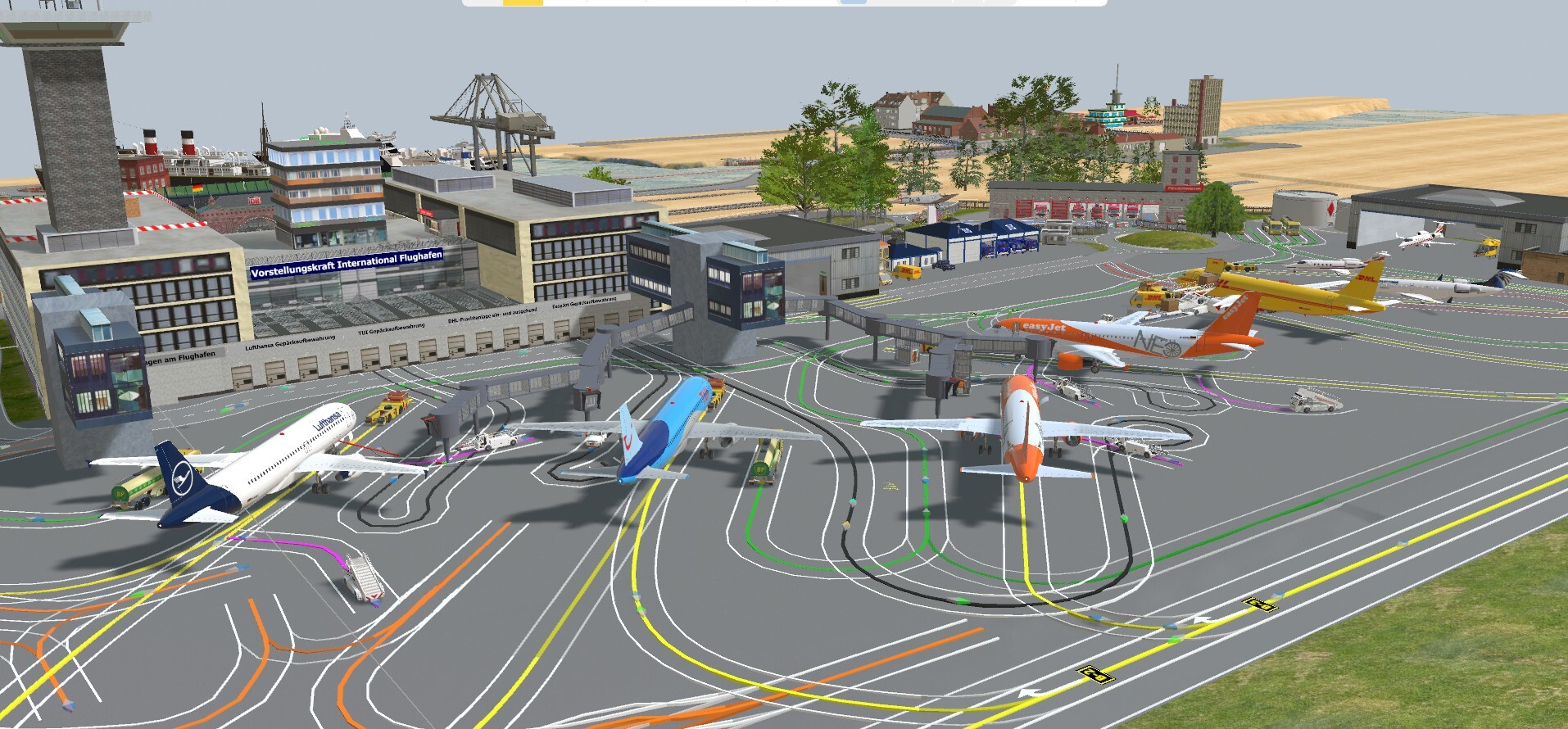
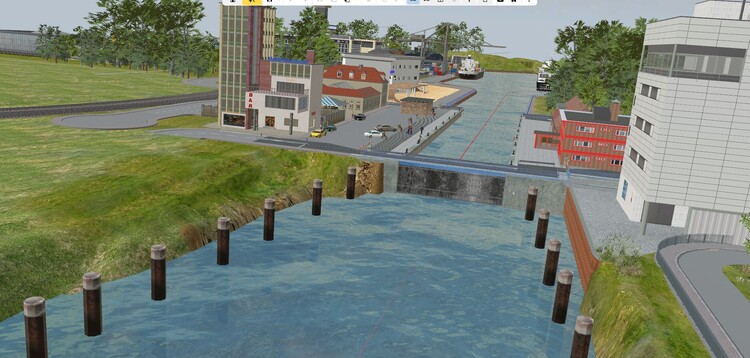
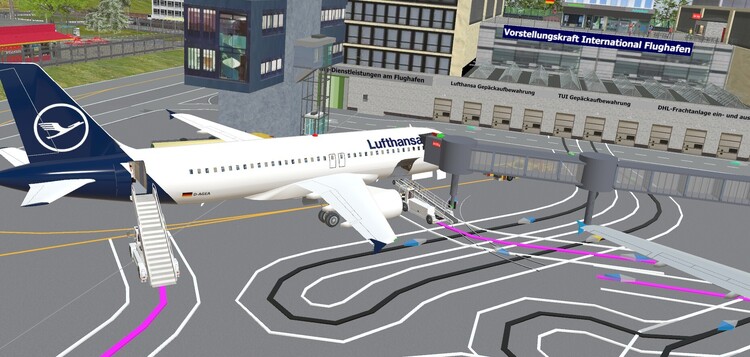
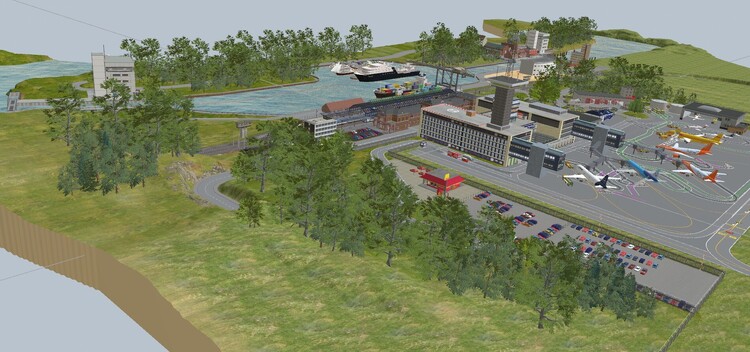
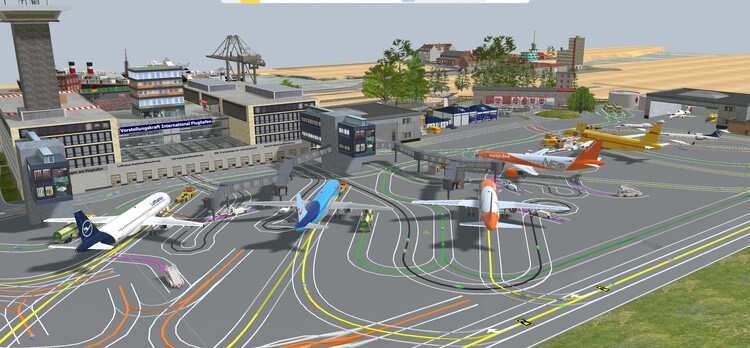
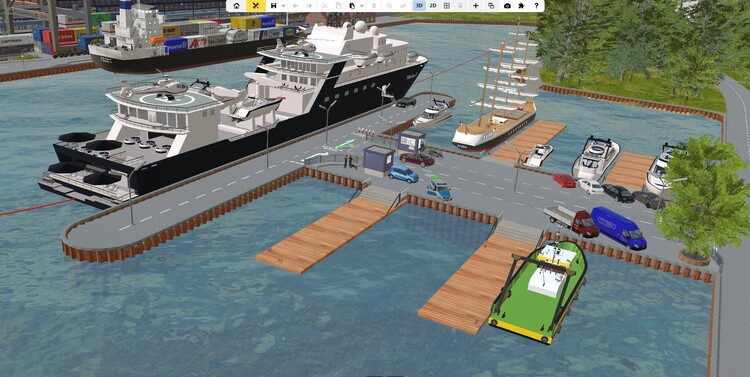
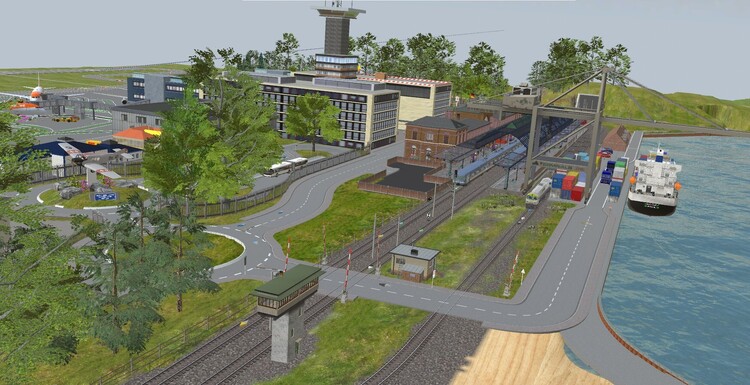
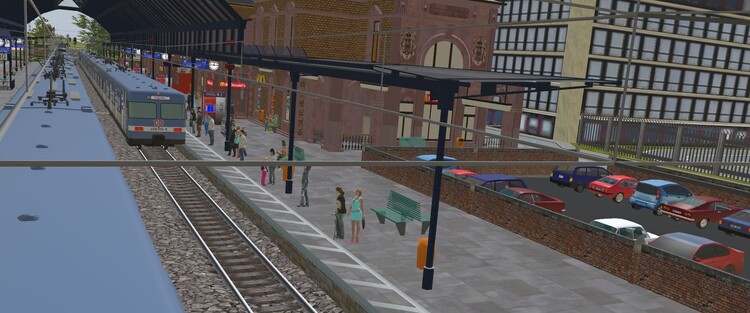
Hi @swcurrill and @Herman Herman, I concur 100% with your view about EV (EM) and @swcurrill it would therefore be a shame if you, Stephen, took too large a step backwards. Afterall all other members are here to help. No question is too daft and if you need answers in the most basic format then just make that clear. It can be daunting until you really take time to get to grips with the small basics before moving on to more complex matters. I'm also a member of the elderly clan, 79 years young pushing 80. I started with MBS 6 years ago and struggled like crazy in the beginning. Fortunately another member took me under his wing and guided me through the early stages. Since then many other members have helped me to develop my abilities to the point they are now, still got a lot to learn but then that's what makes MBS so magical. There are days when I can spend 8 to 10 hours on a layout. Being honest my real forte lies in creating the layout and scenery, getting everything to work properly is secondary but then just as important. Clearly it is your decision if you want to take a step back, just remember we are all here to help. As a small taster of what can be achieved I have attached a few screenshots of my current layout which aims to use the catalogue item SX1 as much as possible, it really is a great catalogue item. Currently I am over 45 separate uses and no where near finished. Kind regards Pete @220hotwheels
-
Hi @swcurrill I have recently picked up this thread and whilst Herman is dealing with your problem perfectly I thought you might also benefit from another option. This is one of the great aspects of MBS, there are usually several different ways of solving the same problem. Many members are really great at utilizing elements of Event Management that are quite technical and minimalist in order to get the job done. Then there are the less smart oldies, like me, who try to use some of these more technical bits but who also like to be able to trace their EM work in a more mundane fashion so some of my EM is a bit long winded, but to me more easily followed, especially when trying to correct errors. So with that in mind I have attached a small demo to show the way that I find best suits me when setting up level crossings. The track contact are quite simply. The white ones are the counters, this allows for multiple tracks, the black ones on the tracks close the barriers and the yellow ones open them. The black ones on the road act to stop all traffic. I use only 3 variables. Demo crossing CB1 and trains crossing on CB1, and vehiclesstopCB1democrossing on the road contacts. So briefly. a train enters a white TC and adds '1' to the variable. It then enters a black TC and the barriers are told to close and all vehicle to stop. Here I close only 2 barriers initially allowing vehicles already on the crossing to clear before the remaining 2 also close. After leaving the crossing and the yellow TC the barriers are told to open and after a brief pause the vehicles begin to move once again. I hope this explanation is OK for you. Any questions please do not hesitate to ask me. Kind regards Pete @220hotwheels Barrier Crossing demo.mbp
-
Hi Sualokink Is there no end to your mastery of model making., These are great additions to the catalogue adding greater flexibility to the original model. Best regards Pete
-
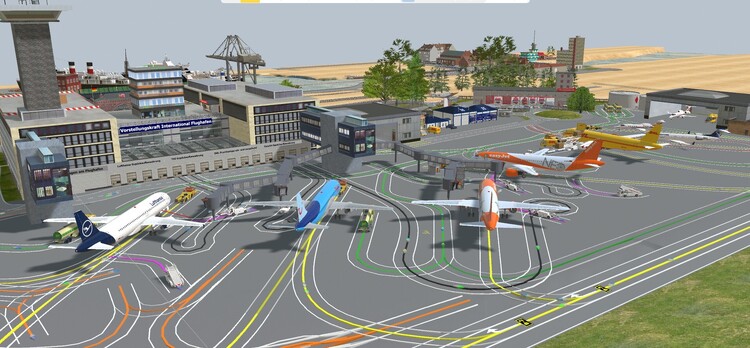
No problem Axel. Once again many thanks for taking the trouble to sort this out. The layout that I am currently working on is designed to use as many SX1's as possible, I'm already up to 36. I've attached a screenshot of part of the layout thus far. Much work still to do but it's coming along nicely. Kind regards Pete
-
Hi @JimKnopf Very many thanks for sorting this out. I can now put shadowing back. Kind regards Pete, (220hotwheels)
-
Hi @JimKnopf, @RoniHB , @Neo I very much appreciate you taking the trouble to see if you still have the relevant files. Fingers crossed you will find them. In the meantime I have taken Ronald's advice and disabled shadowing, which has temporarily solved the issue. Kind regards Pete
-
Thaks for the reply Neo. You have no doubt seen the suggestion from Ronald which I will try tomorrow but clearly a reply from @JimKnopf would clear everything. Many thanks Pete
-
Thanks Ronald I'll give it a try tomorrow and let you know although Neo says it is a problem with the model so time will tell. Kind regards Pete
-
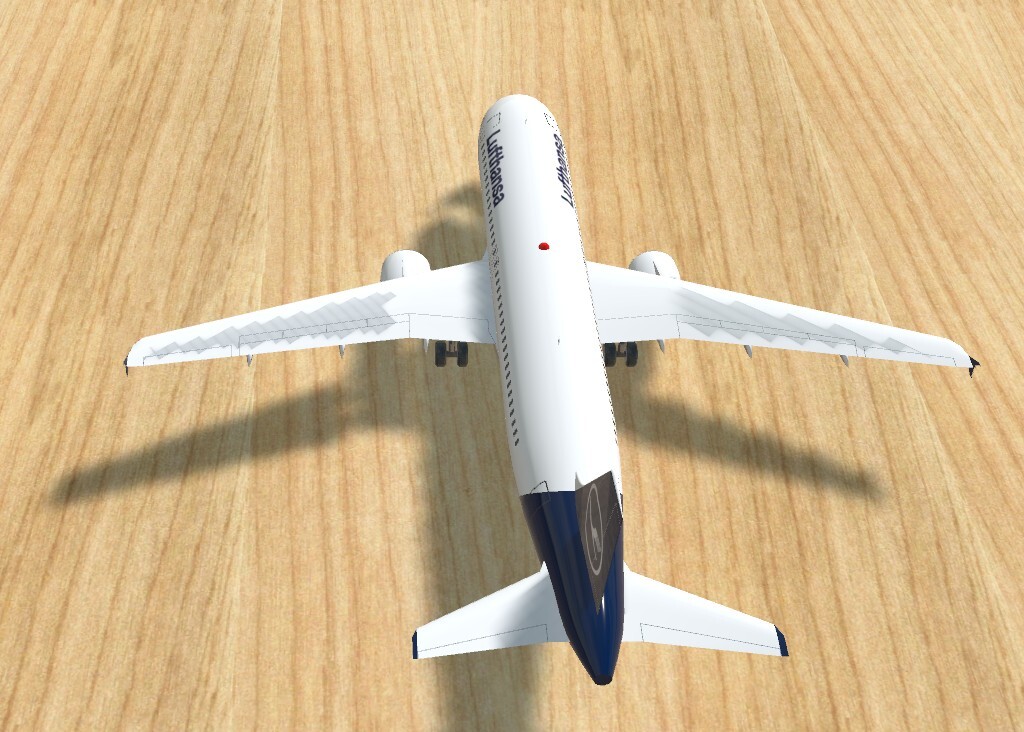
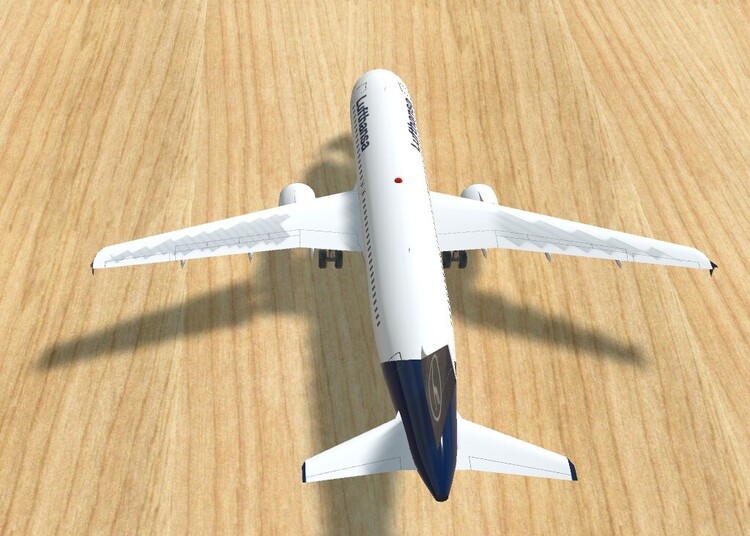
Hi @JimKnopf I've used this model on numerous occasions and have never noticed the strange colour change on the wings. Have I been completely blind to this in the past or is this something that has only recently appeared. If the former then the "funny farm" awaits me. If the latter then do you know if this can be rectified. I see so many comments about texture issues with other models I just wonder if this might also apply to your model plane. Your views on this would be greatly appreciated. Kind Regards Pete
-
Good morning Sualokink Very many thanks for yet another brilliant model and for taking the trouble to produce one in right hand drive, you really are spoiling we minority UK members, but please continue with this as it allows us to produce layouts with some greater realistic UK themes. Best regards Pete
-
Hi Sualokink That's a great solution for a 180 degree turn, as you say no Lua and no EV. Trying to adapt it for example a 45 degree or 90 degree turn, stop, turn again and then set off back might present some restrictions but the theory is great so I'll have a play with it and see if it is practicable. Best regards Pete
-
Hi I had a similar problem many months ago. Both Roter Brummer and Herman came to my rescue and provided me with the flexibility that I was looking for. There is nothing too complicated with either solution. In my opinion each has a very valid place in EV. I've set up a very small demo which I hope might help. Clearly this is all quite basic but can easily be adapted to other applications. I hope it helps Kind regards Pete turn on track example.mbp
-
Hi Hermann You're a star, many thanks. I had got as far as creating a copy catalogue and simply naming it catalogue 1 but when I looked into the data folder I really hadn't a clue as to how to proceed. My first thought was to simply delete all of the data, load the program as normal and then try to save the layout in the new catalogue, but I could see potential problems by doing so. I had not thought to export the system into the new catalogue so yet another learning curve to add to the ever expanding knowledge base. Many thanks Kind regards Pete
-
Hi Hermann Forgive my error, some elements of terminology are easily misunderstood when one is not familiar with this type of file sharing. Many thanks for clarifying I will experiment along the lines you have suggested. No doubt it will all become very clear as I move forward. Many thanks Pete
-
Hi Hermann That is certainly a possibility should anyone be interested. By catalogue I assume you mean simply a separate folder, for example "MBS folder 1" and include in this folder both the .mbp and each of the .mbe files? Kind regards Pete
-
Hi Bahnland Thank you for that. Isn't life complicated. Perhaps the issue will never arise with anyone wanting the models in question but if they did then they could simply use them, as I have, in their own layouts. As for my layout. It's already at 5780kb and even on my computer it is starting to run at 25fps to 30fps on occasions depending upon the amount of information on view at anyone time. It is quite a large, complex layout with very many elements of interest but I have found that by incorporating switches to allow for different elements to be switch on/off I am managing to keep the fps within tolerable limits. If I were to share this layout then it would perhaps have to be made into a video. But that's another story and another learning curve. Thanks once again Kind regards Pete
-
Hi streit_ross Many thanks for that. I appreciate that is what I would need to do if it were necessary to provide the full layout with each of the none catalogue models but I have these saved separately as .mbe files in a folder headed "models not in the catalogue" and if I need to use one I simply import it through the program. Am I to assume that should someone want a copy of a particular model then I would still need to send this as a personal message via email as .mbe files are not accepted via the forum? Kind regards Pete
-
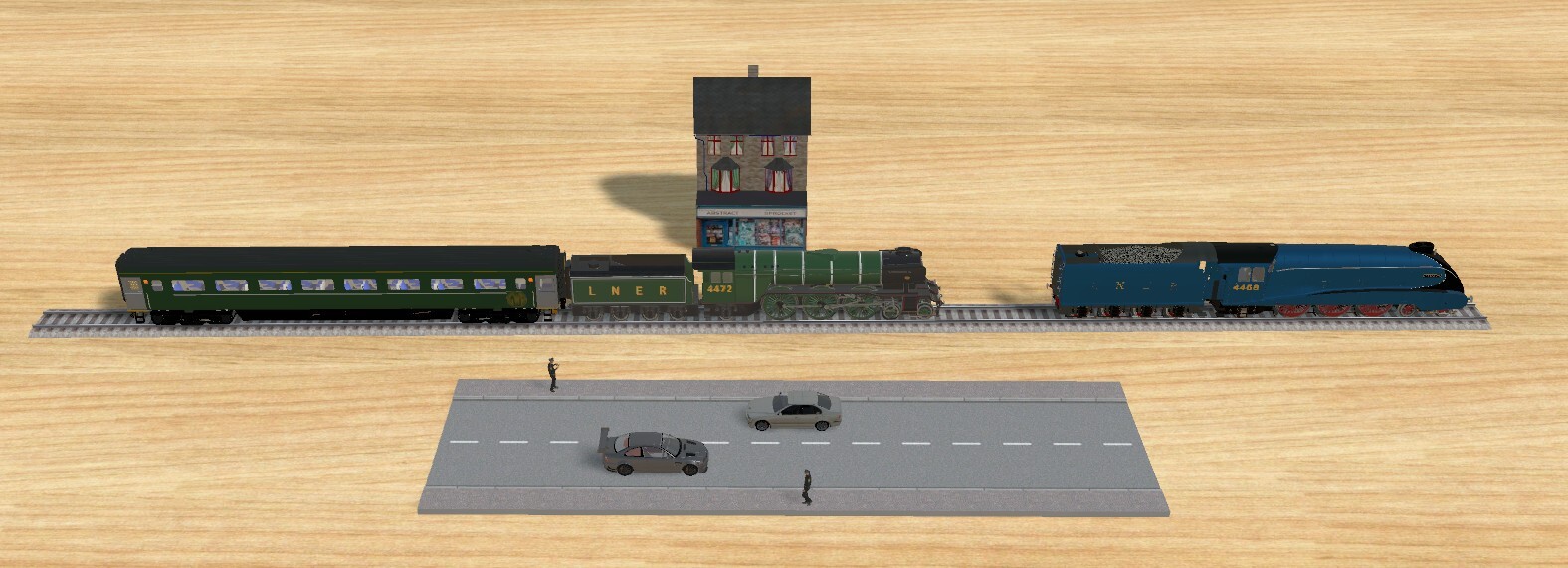
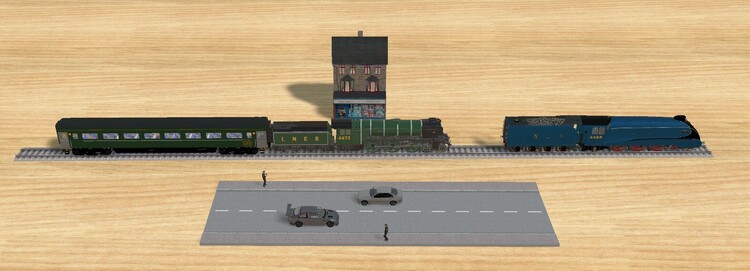
Hi I am clearly no expert on these matters but my understanding of what can and cannot be included in the catalogue largely depends upon the number of vertices and polygons that make up the model plus the licence approval from the original model maker. Some time ago another member Dad3335 very kindly supplied me with several models that have fitted nicely into several layouts but I understand in their current form would be unacceptable for the catalogue. They all run very nicely in my layouts and I would be more that happy to supply these to any other members who might like to use them. I've attached a screenshot of some that I am currently using. Kind regards Pete
-
@Neo In an earlier question under problems and solutions I asked the question if anyone knew how a section of virtual track could be altered so that it would remain visible when a layout is switched to simulation mode. The reason for this request is that virtual track is also perfect for things like hoses for fire engines, hoses for fuel tankers and hoses for filling station fuel pumps, all of which add considerable detail to a layouts content. Phrontistes suggested the possibility that you might consider providing such an alternative to the virtual track under the heading 'hose primitives' which would retain the current flexibility but would remain visible in both planning and simulation mode. Clearly if this were possible then this would be a great addition to the catalogue. Your views on this would be greatly appreciated. Kind regards Peter
-
Please forget my earlier comment, just found out how to sort it, many thanks once again. Pete
-
Hi Phrontistes Thanks for that, I was not aware that I could do that. In fact after looking through most elements of file manager I am still unable to see what might need to be altered in order to obtain this degree of added information. Perhaps I am overlooking the obvious or just being plain thick. I have now managed to get the 'in MBS house' version of explorer "export" to save to the complete directory as in file manager on my PC so both are now showing the modified date but I cannot see how to make any other changes but at least both versions are now on the same page, so to speak. Cheers Pete